Buyer protection
Shop with confidence thanks to a transparent ordering process and reliable support.

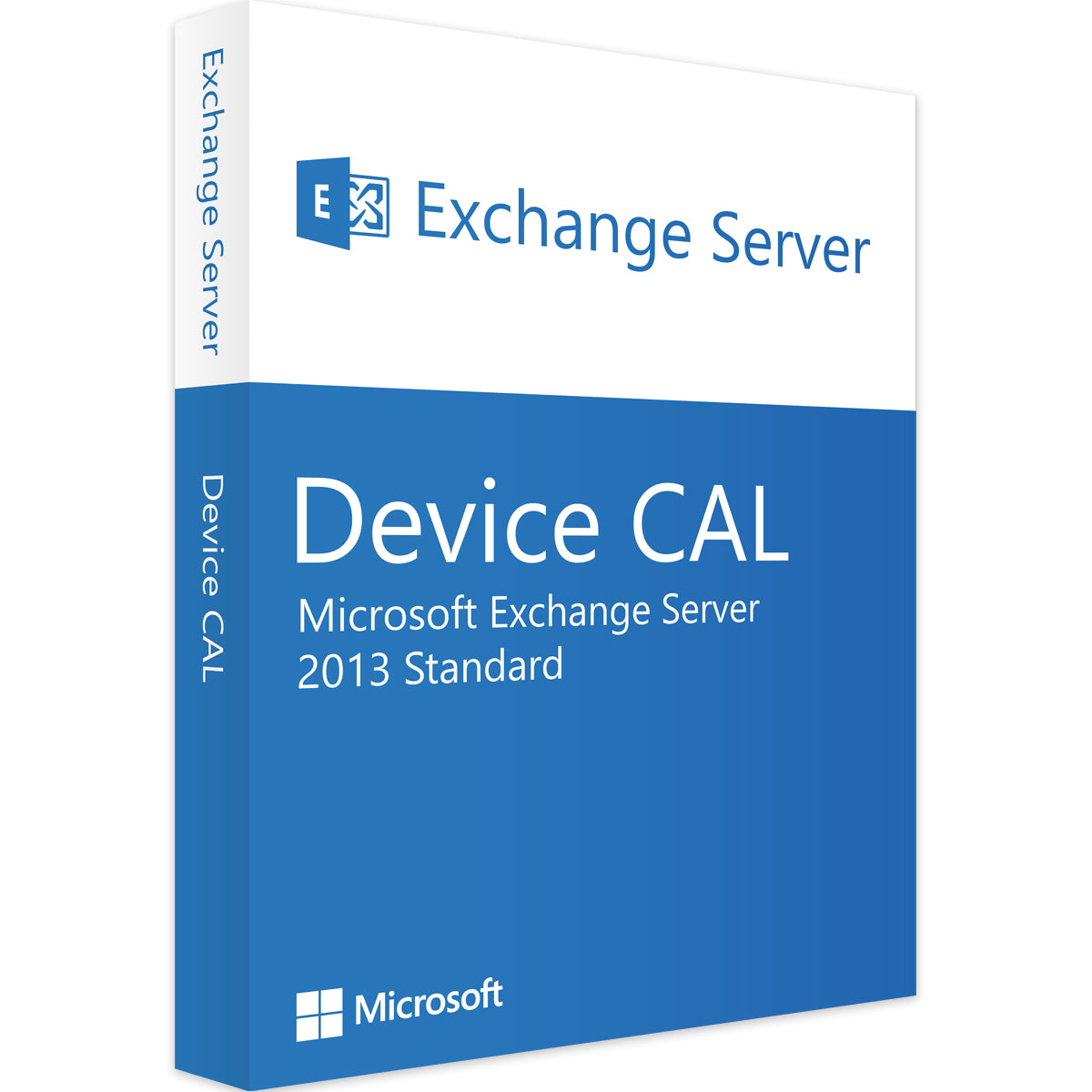
License your shared PCs and workstations cost-effectively for access to your modern email infrastructure with a Microsoft Exchange Server 2013 Device CAL. This Client Access Licence (CAL) is not software, but the official access right tied to a specific device. Whether it is a computer on the production floor, a kiosk system or a PC at a shared desk, any number of employees can use the licensed device to access their Exchange 2013 mailboxes. Get your official perpetual licence from Vollversion-Software and optimise your licensing costs for shift work!
The Device CAL is the right choice whenever more people than devices need to access the Exchange Server.
We make licence management simple. This Device CAL is available individually and in convenient packs for 5, 10, 25 or 50 devices.
If your employees mainly work across several devices of their own (e.g. a PC and a laptop), the user-based Exchange Server 2013 User CAL may be the cheaper and more flexible alternative.
Get cost-effective access to your email. Buy your Exchange Server 2013 Device CAL now and discover all the matching products in our Microsoft Exchange Server collection.
4 questions with answers about this product.
Go to the answers€13.99
Secure payment





We deliver digitally – fast and reliably.

Shop securely with SSL encryption.

Download straight after purchase.

Install and activate the software in seconds.
License your shared PCs and workstations cost-effectively for access to your modern email infrastructure with a Microsoft Exchange Server 2013 Device CAL. This Client Access Licence (CAL) is not software, but the official access right tied to a specific device. Whether it is a computer on the production floor, a kiosk system or a PC at a shared desk, any number of employees can use the licensed device to access their Exchange 2013 mailboxes. Get your official perpetual licence from Vollversion-Software and optimise your licensing costs for shift work!
The Device CAL is the right choice whenever more people than devices need to access the Exchange Server.
We make licence management simple. This Device CAL is available individually and in convenient packs for 5, 10, 25 or 50 devices.
If your employees mainly work across several devices of their own (e.g. a PC and a laptop), the user-based Exchange Server 2013 User CAL may be the cheaper and more flexible alternative.
Get cost-effective access to your email. Buy your Exchange Server 2013 Device CAL now and discover all the matching products in our Microsoft Exchange Server collection.
| Language: | All languages |
|---|---|
| Licence term: | Perpetual licence (unlimited) |
| Licence type: | One-time purchase |
| Operating system: | Windows |
| Software features: | Multi-user access |
| User type: | Large business, Medium-sized/large business, Small business |
| Year: | 2013 |
Only signed-in customers can write a review.
Please note that an Exchange Server CAL is an additional licence. To use Exchange Server 2013 legally, you must have:
You need exactly one Exchange Server 2013 Device CAL for this one PC. Because several researchers share the PC, this is the most cost-effective solution for email access.
No. Exchange CALs are not upward compatible. An Exchange Server 2013 Device CAL only allows access to an Exchange Server 2013. For newer server versions, you need the corresponding newer CALs.
Extended support for Exchange Server 2013 ended on 11 April 2023. After this date, Microsoft no longer provides security updates or bug fixes. We therefore only recommend running it in isolated environments.
A Device CAL is tied to one device, which can then be used by any number of users. A User CAL is tied to one user, who can then access the server from any number of devices. The Device CAL is often the best choice when there are more users than devices to license.