Buyer protection
Shop with confidence thanks to a transparent ordering process and reliable support.

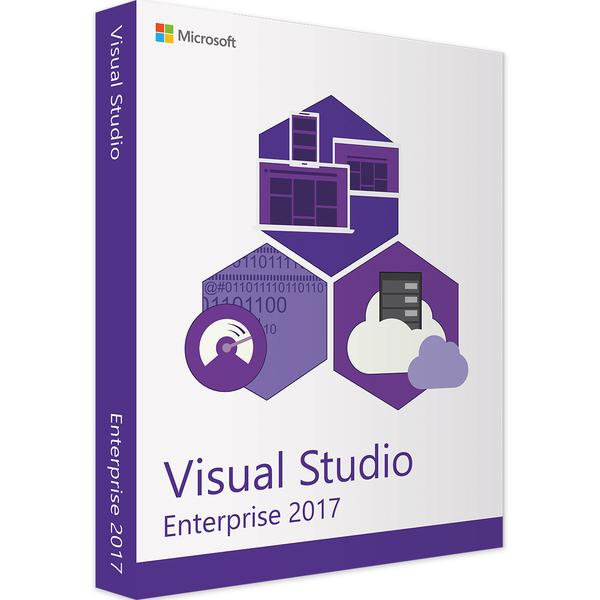
Microsoft Visual Studio Enterprise 2017 provides the environment you need to write applications of any size efficiently and without errors. The IDE is suitable for small programs as well as large, highly complex projects. During installation, you can choose which features to include. Don't need to develop for iOS? The relevant tools are left out, saving disk space. Microsoft Visual Studio Enterprise 2017 uses few system resources and runs smoothly even on older devices (see the next section for more on the system requirements).
Visual Studio 2017 includes numerous online courses that beginners and advanced users alike can use to brush up their skills. Comprehensive, professional support is also part of the Visual Studio 2017 package. Even if you don't need these features, you still benefit from installing Visual Studio Enterprise 2017 – with colour-highlighted code sections, syntax highlighting, automatic debugging as you type lines of code, and more. Visual Studio Enterprise 2017 is therefore suitable for beginners and experienced developers alike.
This version also introduces ready-to-use tools for creating .NET applications in Visual Studio 2017. Optional seamless cloud integration lets you work smoothly on Microsoft Azure applications in Visual Studio Enterprise 2017, for example. Team projects are also easier to tackle, regardless of which hosting provider you choose. In Visual Studio Enterprise 2017, you can also simply open any code file to create a separate project, which can considerably speed up work on smaller files.
The extensive choice of languages is another highlight of Visual Studio Enterprise 2017: from older languages such as Visual Basic to C, C++, C#, TypeScript, Python and web languages such as HTML and CSS, Visual Studio Enterprise 2017 provides the right environment. The program is therefore suitable for office applications, media applications, games, network software and practically all other projects.
€204.99
Download within minutes

Shop securely with SSL encryption.

Download straight after purchase.

Install and activate the software in seconds.
Microsoft Visual Studio Enterprise 2017 provides the environment you need to write applications of any size efficiently and without errors. The IDE is suitable for small programs as well as large, highly complex projects. During installation, you can choose which features to include. Don't need to develop for iOS? The relevant tools are left out, saving disk space. Microsoft Visual Studio Enterprise 2017 uses few system resources and runs smoothly even on older devices (see the next section for more on the system requirements).
Visual Studio 2017 includes numerous online courses that beginners and advanced users alike can use to brush up their skills. Comprehensive, professional support is also part of the Visual Studio 2017 package. Even if you don't need these features, you still benefit from installing Visual Studio Enterprise 2017 – with colour-highlighted code sections, syntax highlighting, automatic debugging as you type lines of code, and more. Visual Studio Enterprise 2017 is therefore suitable for beginners and experienced developers alike.
This version also introduces ready-to-use tools for creating .NET applications in Visual Studio 2017. Optional seamless cloud integration lets you work smoothly on Microsoft Azure applications in Visual Studio Enterprise 2017, for example. Team projects are also easier to tackle, regardless of which hosting provider you choose. In Visual Studio Enterprise 2017, you can also simply open any code file to create a separate project, which can considerably speed up work on smaller files.
The extensive choice of languages is another highlight of Visual Studio Enterprise 2017: from older languages such as Visual Basic to C, C++, C#, TypeScript, Python and web languages such as HTML and CSS, Visual Studio Enterprise 2017 provides the right environment. The program is therefore suitable for office applications, media applications, games, network software and practically all other projects.
| Applications: | Visual Studio |
|---|---|
| Delivery method: | Instant download |
| Language: | All languages |
| Licence term: | Perpetual licence (unlimited) |
| Licence unit: | PC |
| Number of licences: | 1 |
| Operating system: | macOS, Windows |
| Year: | 2017 |
|
Operating system
|
Windows 7 or later, Windows Server 2012 R2
|
|
Processor:
|
At least 1.8 GHz
|
|
RAM:
|
At least 2 GB |
|
Hard disk space:
|
At least 1 GB |
|
Graphics card:
|
Support for a resolution of at least 1,280 x 720 pixels required |
Only signed-in customers can write a review.