Buyer protection
Shop with confidence thanks to a transparent ordering process and reliable support.

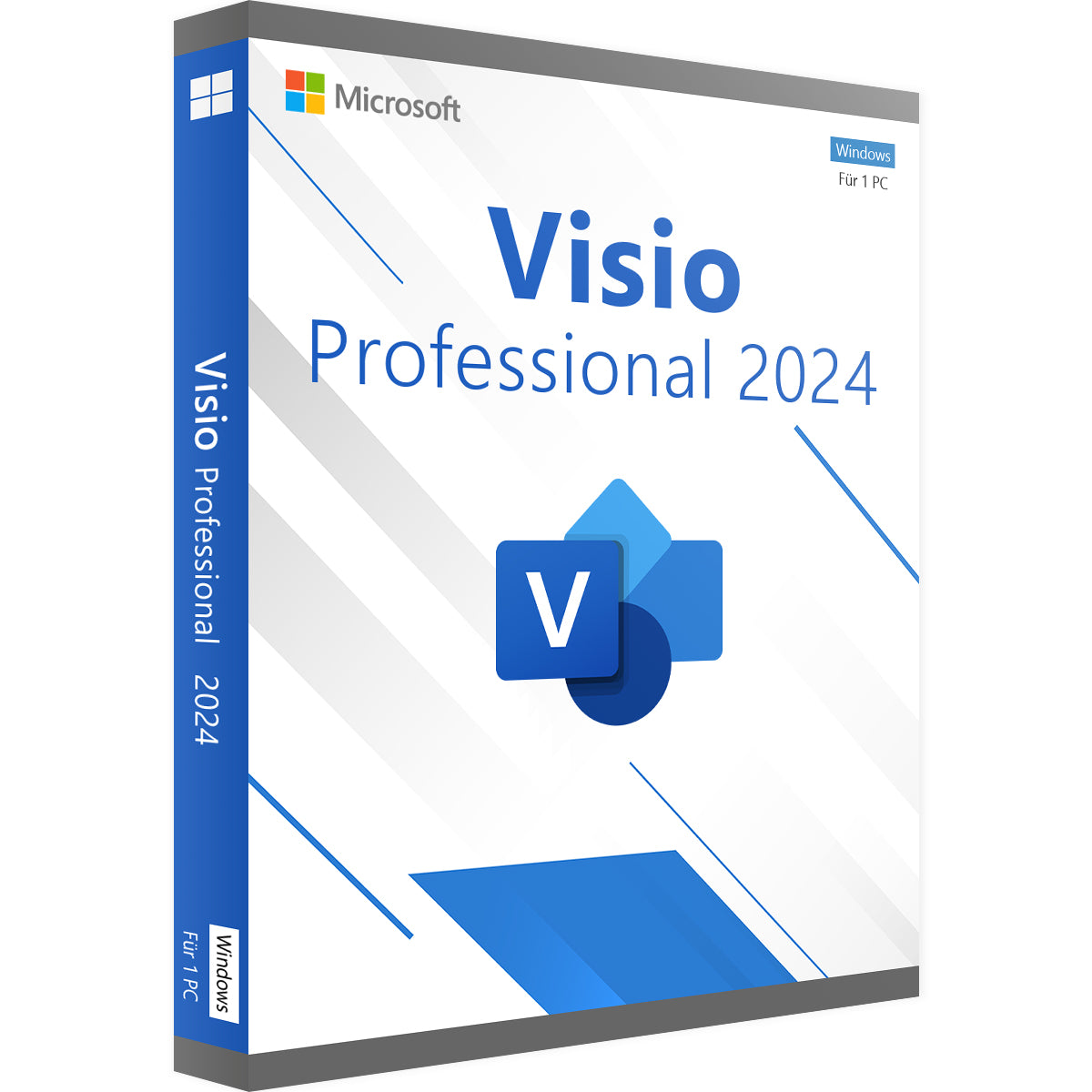
Turn complex data and processes into clear, easy-to-understand diagrams with Microsoft Visio Standard 2024. This powerful visualisation software is the ideal tool for anyone who needs to create professional flowcharts, organisation charts, floor plans and network diagrams. With a perpetual licence, you pay once and can use the software permanently, with no subscription fees. Buy your product key from Vollversion-Software and benefit from an industry-leading solution to bring your ideas to life visually.
Visio 2024 makes creating diagrams more intuitive and efficient than ever. With a wide range of templates and shapes, you can be productive straight away.
Start your projects in no time with hundreds of professionally designed templates, including:
If you are familiar with Microsoft Office, you will find your way around Visio straight away. The familiar ribbon interface makes for a quick start.
If you need advanced features, such as linking diagrams to live data or AutoCAD support, we recommend a look at the more powerful Visio Professional editions in our shop.
As a retailer certified by Trusted Shops, we stand for safe, customer-friendly software purchases with first-class support.
Bring clarity to complex relationships. Buy your perpetual licence for Visio Standard 2024 now and discover all visualisation solutions in our Microsoft Visio collection.
5 questions with answers about this product.
Go to the answers€22.99
Download within minutes


Shop securely with SSL encryption.

Download straight after purchase.

Install and activate the software in seconds.
Turn complex data and processes into clear, easy-to-understand diagrams with Microsoft Visio Standard 2024. This powerful visualisation software is the ideal tool for anyone who needs to create professional flowcharts, organisation charts, floor plans and network diagrams. With a perpetual licence, you pay once and can use the software permanently, with no subscription fees. Buy your product key from Vollversion-Software and benefit from an industry-leading solution to bring your ideas to life visually.
Visio 2024 makes creating diagrams more intuitive and efficient than ever. With a wide range of templates and shapes, you can be productive straight away.
Start your projects in no time with hundreds of professionally designed templates, including:
If you are familiar with Microsoft Office, you will find your way around Visio straight away. The familiar ribbon interface makes for a quick start.
If you need advanced features, such as linking diagrams to live data or AutoCAD support, we recommend a look at the more powerful Visio Professional editions in our shop.
As a retailer certified by Trusted Shops, we stand for safe, customer-friendly software purchases with first-class support.
Bring clarity to complex relationships. Buy your perpetual licence for Visio Standard 2024 now and discover all visualisation solutions in our Microsoft Visio collection.
| Applications: | Visio |
|---|---|
| Delivery method: | Instant download |
| Edition: | Standard |
| Language: | All languages |
| Licence term: | Perpetual licence (unlimited) |
| Licence type: | One-time purchase |
| Licence unit: | PC |
| Number of licences: | 1 |
| Operating system: | Windows |
| Software features: | Built-in templates, Data import/export, Technical support |
| User type: | Individual, Large business, Medium-sized/large business, Small business |
| Year: | 2024 |
| Operating system | Windows 10, Windows 11 (recommended) |
| Processor | 1.6 GHz or faster, 2-core processor |
| Memory (RAM) | 4 GB RAM |
| Hard disk space | 4 GB available hard disk space |
| Graphics | DirectX 9 or later with WDDM 2.0 or later |
Only signed-in customers can write a review.
No, Microsoft Visio is a standalone specialist application and must be purchased separately. It is not included in the standard Office packages such as "Home & Business" or "Professional Plus".
Visio Standard is perfect for creating basic diagrams. The Professional version is aimed at businesses and technical users and offers advanced features such as the ability to link diagrams to real-time data from Excel or SQL Server, support for industry standards (such as BPMN 2.0) and extended collaboration features.
Yes, absolutely. You can simply copy your Visio diagrams and paste them into Word documents, PowerPoint presentations or Excel spreadsheets to enhance reports and presentations visually.
The perpetual licence is a one-time purchase. You pay only once and own the software. This is ideal if you do not need the cloud features and want to save money in the long term. The subscription, on the other hand, includes cloud storage and web features, but involves ongoing costs.
Yes, Visio 2024 is fully backward compatible and can open diagrams created with older versions (.vsd, .vsdx). You can then save them in the latest format.