Buyer protection
Shop with confidence thanks to a transparent ordering process and reliable support.

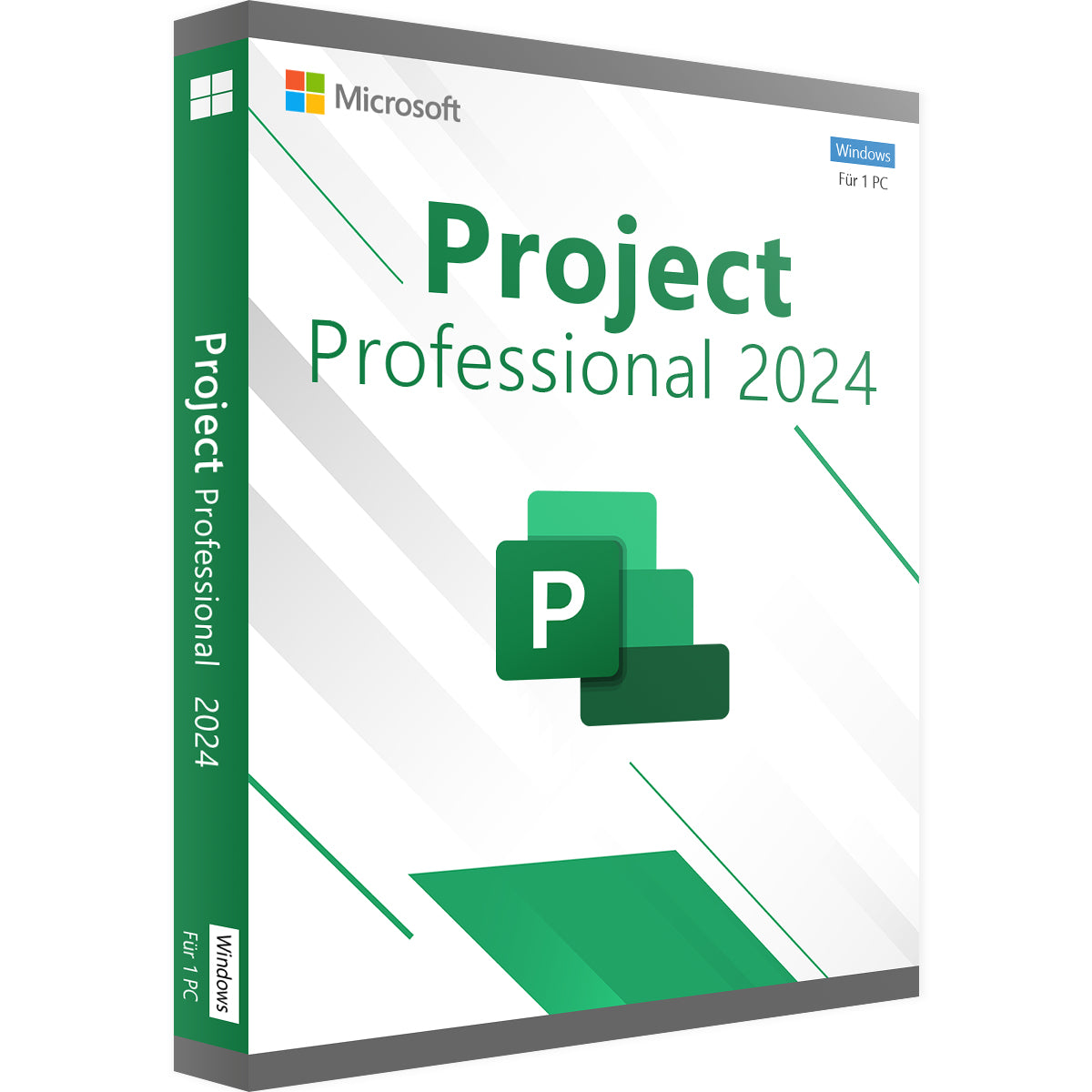
Bring structure and success to your projects with Microsoft Project Standard 2024. This powerful project management software is the ideal tool for project managers and planners who manage standalone projects on a desktop PC. Create detailed schedules, assign tasks and monitor budgets with proven tools. With a perpetual licence with no expiry date, you buy the software once and use it permanently, without the recurring costs of a subscription. Buy your licence from Vollversion-Software and lay the foundation for successful projects.
Project Standard 2024 gives you all the essential features to keep your projects on track from start to finish.
Visualise your project plans in a simple and easy-to-understand way.
Stay in control of staff, materials and finances.
Do you need advanced features such as synchronisation with a Project Server, or more extensive resource management across several projects? Then the more powerful Project Professional edition is the right choice for you.
As a retailer certified by Trusted Shops, we stand for safe, customer-friendly software purchases with first-class support.
Manage your projects professionally and efficiently. Buy your perpetual licence for Project Standard 2024 now and find all project management solutions in our Microsoft Project collection.
5 questions with answers about this product.
Go to the answers€22.99
Download within minutes


Shop securely with SSL encryption.

Download straight after purchase.

Install and activate the software in seconds.
Bring structure and success to your projects with Microsoft Project Standard 2024. This powerful project management software is the ideal tool for project managers and planners who manage standalone projects on a desktop PC. Create detailed schedules, assign tasks and monitor budgets with proven tools. With a perpetual licence with no expiry date, you buy the software once and use it permanently, without the recurring costs of a subscription. Buy your licence from Vollversion-Software and lay the foundation for successful projects.
Project Standard 2024 gives you all the essential features to keep your projects on track from start to finish.
Visualise your project plans in a simple and easy-to-understand way.
Stay in control of staff, materials and finances.
Do you need advanced features such as synchronisation with a Project Server, or more extensive resource management across several projects? Then the more powerful Project Professional edition is the right choice for you.
As a retailer certified by Trusted Shops, we stand for safe, customer-friendly software purchases with first-class support.
Manage your projects professionally and efficiently. Buy your perpetual licence for Project Standard 2024 now and find all project management solutions in our Microsoft Project collection.
| Applications: | Project |
|---|---|
| Delivery method: | Instant download |
| Edition: | Standard |
| Language: | All languages |
| Licence term: | Perpetual licence (unlimited) |
| Licence type: | One-time purchase |
| Licence unit: | PC |
| Number of licences: | 1 |
| Operating system: | Windows |
| Year: | 2024 |
| Operating system | Windows 10, Windows 11 (recommended) |
| Processor | 1.6 GHz or faster, 2-core processor |
| Memory (RAM) | 4 GB RAM |
| Hard disk space | 4 GB of available hard disk space |
| Graphics | DirectX 9 or later with WDDM 2.0 or later |
Only signed-in customers can write a review.
No, Microsoft Project is a standalone specialist application for project management and must be purchased separately. It is not included in any of the Office suites such as "Home & Business" or "Professional Plus".
Project Standard is ideal for managing standalone projects on a single PC. The Professional version also lets you connect to a Project Server or Project Online, includes advanced features for cross-project resource management and supports time tracking using timesheets.
Project Standard is ideal for small to medium-sized projects that are planned and managed by one person. Examples include planning small construction projects, organising events, managing software development projects in a small team, or planning marketing campaigns.
Yes. You can export your project plans and reports as a PDF, an Excel spreadsheet or in other formats, so you can easily share them with team members, stakeholders or customers who do not have Project.
No, Microsoft Project is a Windows-only application and is not available for macOS. Mac users generally turn to the web-based equivalents (Project Plan subscriptions) or alternative project management tools.