Buyer protection
Shop with confidence thanks to a transparent ordering process and reliable support.

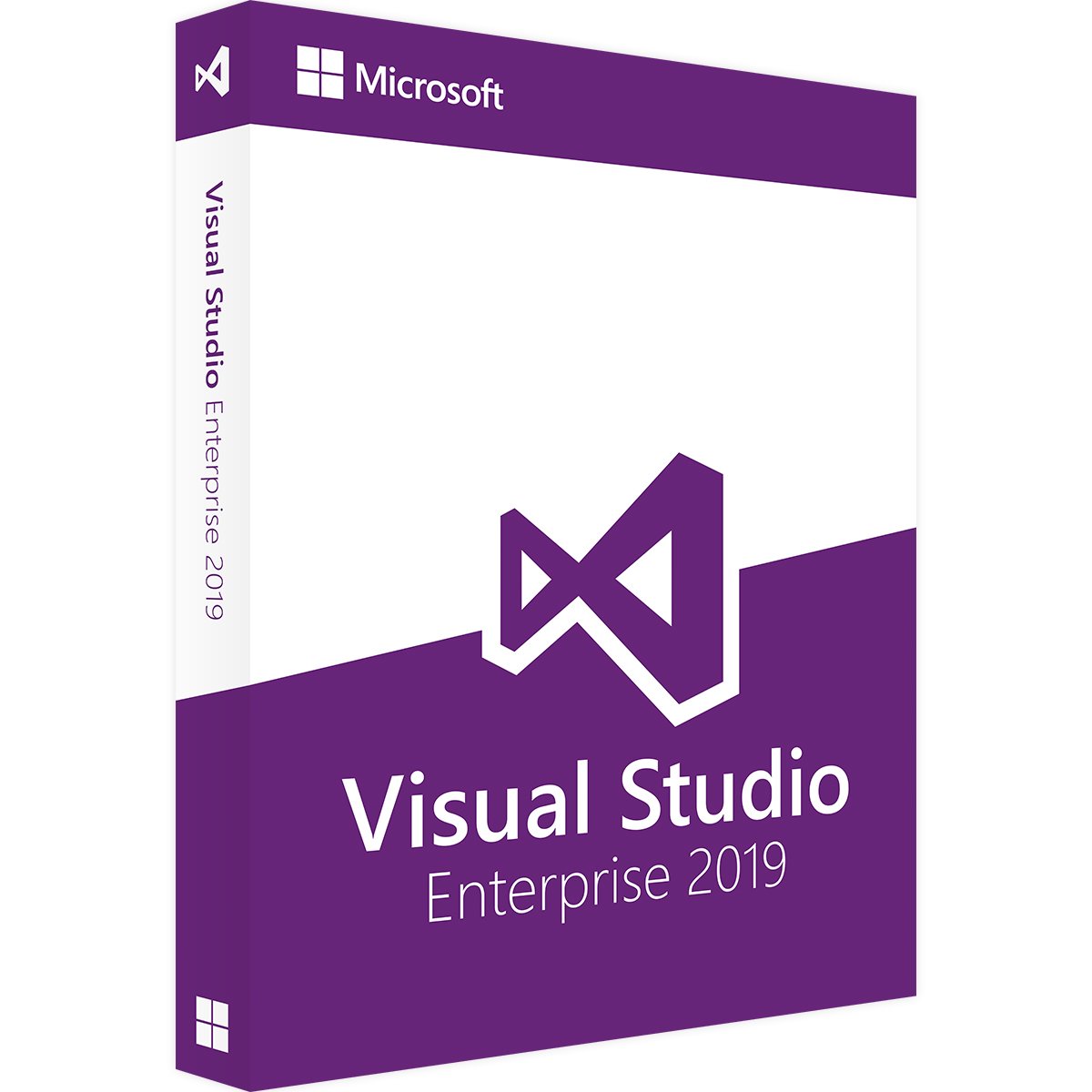
Visual Studio 2019 Enterprise: a development environment for teams of all sizes
The Visual Studio 2019 Enterprise development environment lets you deliver complex enterprise applications. This Enterprise version of the end-to-end solution is particularly suited to larger companies and programming teams. It offers an impressive range of tools for designing and testing programs. Visual Studio can also be linked to various services and subscriptions, so every company can put together the development environment it needs. Buying Visual Studio 2019 Enterprise means choosing an integrated solution that meets demanding quality and scalability requirements.
Develop and test apps across devices
Buying Visual Studio 2019 Enterprise also gives you Visual Studio for Mac. This makes it quick and easy to build web apps and software for mobile devices too. A development environment like Visual Studio 2019 Enterprise helps developers spend more time coding and less time debugging. The program includes a suite of unit tests for your code and runs tests automatically as you write. You can view the test results visually in real time. This ensures that your code complies with architectural dependency rules.
Visual Studio Enterprise can also provide a complete DevOps toolchain when needed, including automated CI/CD pipelines, for example. Its carefully designed test planning tools help you understand the root causes of problems more quickly and clearly, so you can fix errors sooner. You can manage manual and exploratory tests precisely. Load tests are also easy to integrate into the development process and can involve an unlimited number of virtual users. Advanced debugging and diagnostic tools help identify errors in desktop, web, cloud and mobile apps under development. A particular highlight is IntelliTrace, the historical debugging tool that helps teams investigate problems that would otherwise be hard to reproduce. Code Map also enables visual debugging of applications, making dependencies easier to understand even in very large codebases.
More productive programming with modern software
When developing Visual Studio 2019, the US software company aimed to create a fast, reliable product that was easy to use. That is why many popular, proven features of Visual Studio 2017 were carried over. You can also expect more options and even greater feature stability. Refactoring and navigation have been improved. The debugger has also been upgraded. Visual Studio 2019 loads solutions and builds projects quickly. The development software also gives you more ways to collaborate with your team. Features such as Live Share make it easy for several programmers to work together in real time. Digital assistants also support individual developers and teams. IntelliCode is an important part of this functionality. It automatically suggests useful improvements to the code you have written.
€238.99
Download within minutes

Shop securely with SSL encryption.

Download straight after purchase.

Install and activate the software in seconds.
Visual Studio 2019 Enterprise: a development environment for teams of all sizes
The Visual Studio 2019 Enterprise development environment lets you deliver complex enterprise applications. This Enterprise version of the end-to-end solution is particularly suited to larger companies and programming teams. It offers an impressive range of tools for designing and testing programs. Visual Studio can also be linked to various services and subscriptions, so every company can put together the development environment it needs. Buying Visual Studio 2019 Enterprise means choosing an integrated solution that meets demanding quality and scalability requirements.
Develop and test apps across devices
Buying Visual Studio 2019 Enterprise also gives you Visual Studio for Mac. This makes it quick and easy to build web apps and software for mobile devices too. A development environment like Visual Studio 2019 Enterprise helps developers spend more time coding and less time debugging. The program includes a suite of unit tests for your code and runs tests automatically as you write. You can view the test results visually in real time. This ensures that your code complies with architectural dependency rules.
Visual Studio Enterprise can also provide a complete DevOps toolchain when needed, including automated CI/CD pipelines, for example. Its carefully designed test planning tools help you understand the root causes of problems more quickly and clearly, so you can fix errors sooner. You can manage manual and exploratory tests precisely. Load tests are also easy to integrate into the development process and can involve an unlimited number of virtual users. Advanced debugging and diagnostic tools help identify errors in desktop, web, cloud and mobile apps under development. A particular highlight is IntelliTrace, the historical debugging tool that helps teams investigate problems that would otherwise be hard to reproduce. Code Map also enables visual debugging of applications, making dependencies easier to understand even in very large codebases.
More productive programming with modern software
When developing Visual Studio 2019, the US software company aimed to create a fast, reliable product that was easy to use. That is why many popular, proven features of Visual Studio 2017 were carried over. You can also expect more options and even greater feature stability. Refactoring and navigation have been improved. The debugger has also been upgraded. Visual Studio 2019 loads solutions and builds projects quickly. The development software also gives you more ways to collaborate with your team. Features such as Live Share make it easy for several programmers to work together in real time. Digital assistants also support individual developers and teams. IntelliCode is an important part of this functionality. It automatically suggests useful improvements to the code you have written.
| Applications: | Visual Studio |
|---|---|
| Delivery method: | Instant download |
| Language: | All languages |
| Licence term: | Perpetual licence (unlimited) |
| Licence unit: | PC |
| Number of licences: | 1 |
| Operating system: | macOS, Windows |
| Year: | 2019 |
|
Operating system
|
Windows 7 or later, Windows Server 2012 R2
|
|
Processor:
|
At least 1.8 GHz
|
|
RAM:
|
At least 2 GB |
|
Hard disk space:
|
Up to 130 GB, depending on the features installed |
|
Graphics card:
|
Resolution of at least 1280 x 720 |
Only signed-in customers can write a review.