Buyer protection
Shop with confidence thanks to a transparent ordering process and reliable support.

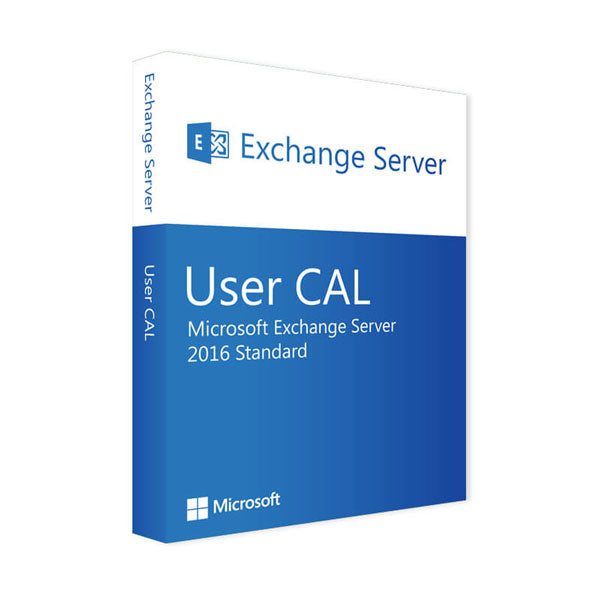
Give your employees maximum flexibility and control over their email with a Microsoft Exchange Server 2016 User CAL. This Client Access License (CAL) is not software but the official access right that is tied to a specific user (one employee). It is the ideal choice for modern working environments where employees move seamlessly between different devices yet always need access to their Exchange mailboxes, calendars and contacts. Get your official perpetual licence from Vollversion-Software and keep your IT infrastructure compliant.
The User CAL is the best choice for businesses whose employees work flexibly. The principle is ‘one user, many devices’.
We make managing your licences easier. This User CAL is available individually and in handy packs for 5, 10, 25 or 50 users.
If your organisation mainly uses shared computers on shifts or in public areas, the device-based Exchange Server 2016 Device CAL is potentially the cheaper alternative.
Make sure your communication is flexible and correctly licensed. Buy your Exchange Server 2016 User CAL now and find all the right products in our Microsoft Exchange Server collection.
4 questions with answers about this product.
Go to the answers€69.99
Secure payment





We deliver digitally – fast and reliably.

Shop securely with SSL encryption.

Download straight after purchase.

Install and activate the software in seconds.
Give your employees maximum flexibility and control over their email with a Microsoft Exchange Server 2016 User CAL. This Client Access License (CAL) is not software but the official access right that is tied to a specific user (one employee). It is the ideal choice for modern working environments where employees move seamlessly between different devices yet always need access to their Exchange mailboxes, calendars and contacts. Get your official perpetual licence from Vollversion-Software and keep your IT infrastructure compliant.
The User CAL is the best choice for businesses whose employees work flexibly. The principle is ‘one user, many devices’.
We make managing your licences easier. This User CAL is available individually and in handy packs for 5, 10, 25 or 50 users.
If your organisation mainly uses shared computers on shifts or in public areas, the device-based Exchange Server 2016 Device CAL is potentially the cheaper alternative.
Make sure your communication is flexible and correctly licensed. Buy your Exchange Server 2016 User CAL now and find all the right products in our Microsoft Exchange Server collection.
| Language: | All languages |
|---|---|
| Licence term: | Perpetual licence (unlimited) |
| Operating system: | Windows |
| Year: | 2016 |
Only signed-in customers can write a review.
Please note that an Exchange Server CAL is an additional licence. To use Exchange Server 2016 legally, you must have:
You only need one Exchange Server 2016 User CAL for this employee. The licence covers all their devices, so it is the perfect choice for flexible ways of working.
No. Exchange CALs are not forward compatible. An Exchange Server 2016 User CAL only allows access to Exchange Server 2016. For newer server versions such as 2019, you need the corresponding newer CALs.
Extended support for Exchange Server 2016 ended on 14 October 2025. Your CALs remain valid permanently, and the server can still be run.
A User CAL is tied to a user, who can then access the server from any number of devices. A Device CAL is tied to a device, which can then be used by any number of users. If your employees usually use several devices, the User CAL is often the more cost-effective choice.