Skip to main content Skip to search Skip to main navigation
Mon–Fri 10–19 040 524797319

Service

Help & contact

Help with your order

Contact

Service hours: Mon–Fri 10–19

Contact formWe reply on working days

Language

Microsoft Publisher 2021 – buy online in 3 easy steps

  1. Buy

    01. Buy

    Shop securely with SSL encryption.

  2. Download

    02. Download

    Download straight after purchase.

  3. Install

    03. Install

    Install and activate the software in seconds.

Buy securely at Vollversion-Software

Benefit from digital delivery, secure ordering and reliable support.

Buyer protection

Shop with confidence thanks to a transparent ordering process and reliable support.

Genuine software only

You receive valid software licences and product keys by email.

Instant download

You receive the download and product key straight after purchase.

SSL encrypted

Your order is transmitted securely using encryption.

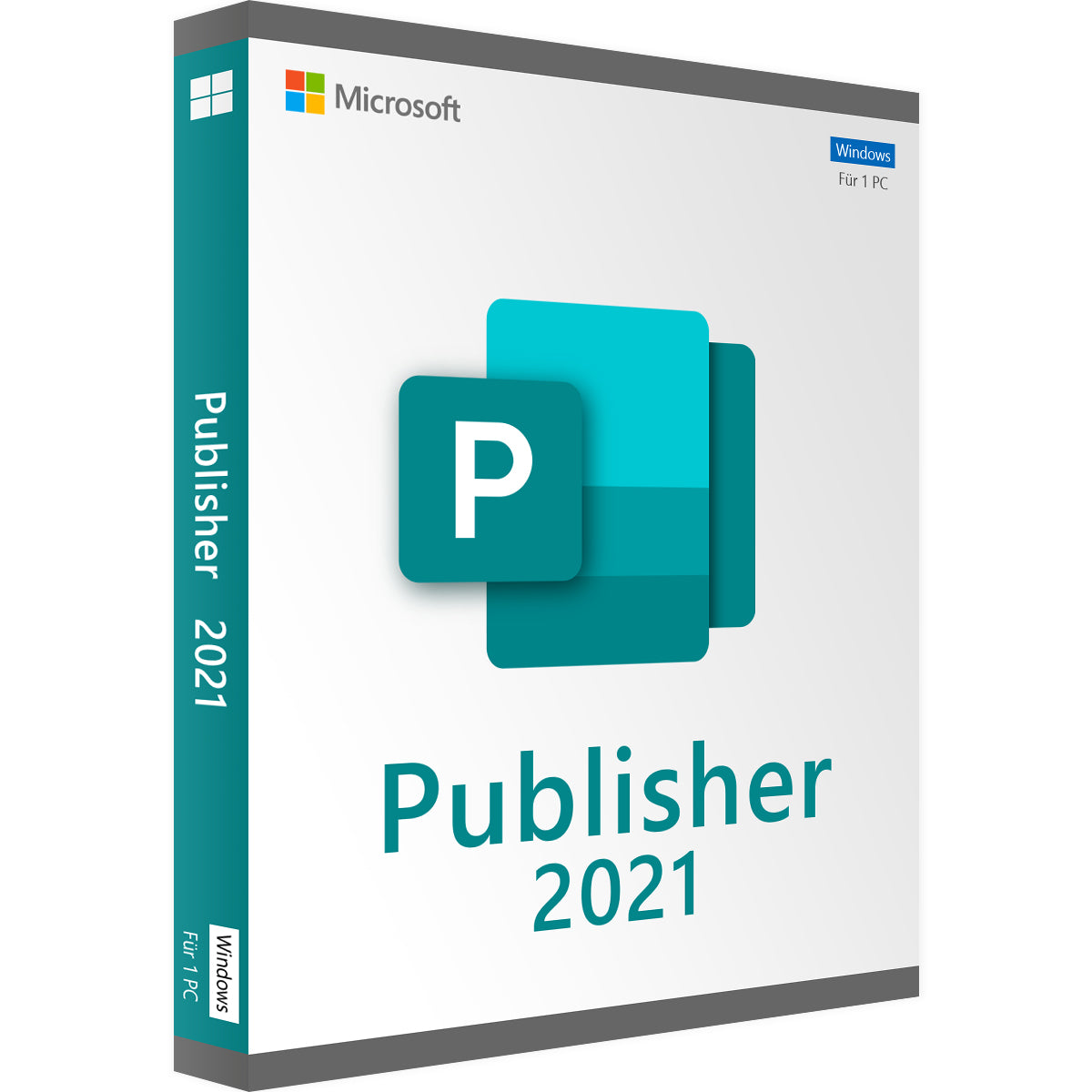
Buy Microsoft Publisher 2021 online

Buy Microsoft Publisher 2021, the latest classic version of Publisher. Choose the standalone version below and start creating professionally designed publications.

Microsoft Publisher 2021: licence details

Before you download Microsoft Publisher 2021, find out what this edition includes:

  • Application: Microsoft Publisher 2021
  • Platform: Windows
  • Device: One compatible PC
  • Licence: One-time purchase of the 2021 version
  • Subscription: No monthly or annual subscription fees
  • Delivery: Digital download
  • Activation: Microsoft account and internet connection required
  • Languages: Several languages available

Microsoft Publisher 2021 features

Microsoft Publisher 2021 offers many features, some of which are listed below:

  • Built-in templates: Start with an existing layout or a blank publication.
  • Text and picture placement: Arrange text boxes and pictures to suit your page design.
  • Linked text boxes: Let longer text flow from one text box into another.
  • Reusable building blocks: Insert ready-made headings, borders, calendars and other design elements.
  • Colour and font schemes: Adapt newsletter templates with matching colours and fonts.
  • Custom templates: Save your newsletter layout for future issues.
  • Mail merge: Personalise publications with names, addresses and other information from a recipient list.
  • PDF and XPS export: Save publications in formats that others can view without Publisher, with quality options for sharing and printing.

What can you do with Microsoft Publisher 2021?

Install Microsoft Publisher 2021 on your PC to create materials that give your message a clear, consistent look.

Business and promotional materials

  • Design brochures to present your products or services.
  • Create business cards and flyers for events or promotions.
  • Combine text and pictures in layouts that suit your target audience.

Newsletters and publications for communities

  • Create newsletters for customers, schools or local groups.
  • Adjust headings, colours and fonts for each publication.
  • Reuse your layout when you create the next issue.

Personalised mailings

  • Create mailing materials for different recipients.
  • Add names and addresses using mail merge.
  • Create personalised copies without typing in each recipient's details manually.

Who should buy Microsoft Publisher 2021?

A Microsoft Publisher 2021 licence suits users who need a desktop publishing application for a Windows PC.

Small business owners

  • Create materials for your products, services and local promotions.
  • Present your company information clearly in a range of publications.

Teachers and school administrators

  • Create newsletters and materials for school events.
  • Present announcements in easy-to-read layouts.

Community groups and organisations

  • Create publications for members, supporters and event attendees.
  • Update existing designs for regularly held activities.

Existing Publisher users

  • Keep working with your existing Publisher files.
  • Edit and reuse publications in the familiar application.
  • Bear in mind the upcoming end of support before you buy this edition.

Microsoft Publisher 2021: instant download

After you buy Microsoft Publisher 2021, you receive your download link and product key by email. Download the application via the link, install it on your Windows PC and activate it with your product key.

Hardware & system requirements for Microsoft Publisher 2021

Before you install Microsoft Publisher 2021, check that your PC meets the requirements Microsoft currently publishes:

Component Minimum requirement
Operating system Windows 11
Processor Dual-core processor, 1.1 GHz or faster
Memory 4 GB RAM
Storage 4 GB available storage space
Display Resolution of 1280 × 768; the 64-bit version of Office is required for 4K and higher resolutions
Graphics DirectX 9 or later for hardware acceleration
Microsoft account Required to redeem the product key and for activation
Internet connection Required for download, activation, updates and regular activation checks

Why buy your Microsoft Publisher licence from Vollversion-Software?

When you buy your Microsoft Publisher 2021 licence key from Vollversion-Software, you get:

✓ Genuine Microsoft Publisher 2021 product key

✓ A perpetual licence for one Windows PC with no recurring subscription fees
✓ Instant digital delivery of your product key and download link by email once payment has been received
✓ Help with installation and activation

Buy Microsoft Publisher 2021 today and start creating publications for your next business, school or personal project.

Note: Your perpetual Publisher 2021 licence does not expire annually.

Applications: Publisher
Language: All languages
Licence term: Perpetual licence (unlimited)
Licence unit: PC
Number of licences: 1
Operating system: Windows
Year: 2021
System requirements - Microsoft Publisher 2021
Processor 1.1 GHz or faster, 2 cores
Operating systems Windows 10, Windows 11
Windows Server 2019, Windows Server 2022 (other Windows versions are not supported)
Memory at least 4 GB RAM
Hard disk space at least 4 GB of available storage space
Display at least 1280 × 768 pixels
.NET version .NET version 3.5 or higher

29 of 29 reviews

Average rating of 4.52 out of 5 stars


62%

28%

10%

0%

0%


Leave a review!

Share your experiences with other customers.


1 - 10 of 29 reviews

6 August 2026 15:31

Review with rating of 5 out of 5 stars

Bewertung

Das Angebot und die Liegerung der Software ging sehr sehrzügig von statten. Was ich allerdinhs nicht bedacht hatte und vermulicb übersehen babe ist, dass bei einer bestejend Officinstallation sich der Publisher nicht zusäzzlich installieren lässt. Man kann nur eines installieet habe. Zum glück babe ich aber zwei Rechner. Aber sonnst ist alles OK.

7 July 2026 15:27

Review with rating of 4 out of 5 stars

Bewertung

Es gibt nur ein Problem diese Version kann nicht unter MS Office2024 installiert werden.

8 June 2026 16:17

Review with rating of 5 out of 5 stars

Bewertung

schneller und professioneller Service, Vielen Dank

25 April 2026 10:00

Review with rating of 4 out of 5 stars

Bewertung

Es wurde im Vorfeld nicht beschrieben,dass eine vorherige Deinstallation des bereits installierten Office-Paketes nötig ist

24 April 2026 13:53

Review with rating of 3 out of 5 stars

Bewertung

Das Programm ist sehr hilfreich. Aber ich gebe nur drei Sterne, weil es ab Oktober 2026 nicht mehr von Microsoft mit Updates versorgt wird und mir die Lizenz-Gestaltung gar nicht gefällt. Es lässt sich nur als einzelnes Programm installieren oder zusammen mit Office 2021. Nicht zusammen mit Office 2024.

13 April 2026 14:28

Review with rating of 5 out of 5 stars

Bewertung

Das Programm ist super, wenn´s läuft!!!

29 March 2026 23:00

Review with rating of 5 out of 5 stars

Bewertung

arbeite schon einige Jahre mit dem Publisher. Sehr gut und hilfreich!

23 February 2026 14:03

Review with rating of 5 out of 5 stars

Bewertung

Ich bin mit Publisher sehr zufrieden!

9 February 2026 21:15

Review with rating of 5 out of 5 stars

Bewertung

Läuft wunder bar wie es soll

29 January 2026 13:00

Review with rating of 4 out of 5 stars

Bewertung

ich bin zufrieden.

Frequently asked questions about Microsoft Publisher 2021

Is Microsoft Publisher 2021 a perpetual licence?

The perpetual Microsoft Publisher 2021 licence is a one-time purchase of the 2021 edition with no monthly or annual subscription fees. A perpetual licence does not include ongoing updates or support services.

Can I install Microsoft Publisher 2021 on more than one PC?

No. The Publisher 2021 licence covers installation and activation on one compatible Windows PC.

Can I use Microsoft Publisher 2021 on a Mac?

No. Microsoft Publisher 2021 is only available for Windows and has no native macOS version.

Can I share publications with people who don't have Publisher?

Yes. You can export your MS Publisher 2021 publications as PDF files. Recipients can view or print them with a suitable PDF viewer without installing Publisher.

How do I receive my Microsoft Publisher 2021 product key?

After you buy, you receive your Microsoft Publisher 2021 product key and download link by email. Download the application, install it on your Windows PC and activate it with your product key.
Skip product gallery

MATCHING PRODUCTS

Microsoft Office 2021 Home & Business

Average rating of 5 out of 5 stars

Microsoft Office 2021 Home & Business

Regular price: €66.99
Office 2021 Home and Student Lizenz

Average rating of 4.14 out of 5 stars

Microsoft Office 2021 Home & Student

Regular price: €52.99
Discount −74 %
Microsoft Office 2021 Professional Plus

Average rating of 4.82 out of 5 stars

Microsoft Office 2021 Professional Plus

Sale price: €23.99 Regular price: €94.99 (74 % saved)
Discount −76 %
Office 2021 standard

Average rating of 4.79 out of 5 stars

Microsoft Office 2021 Standard

Sale price: €20.99 Regular price: €89.99 (76 % saved)