













Buyer protection
Shop with confidence thanks to a transparent ordering process and reliable support.
Will Windows 11 run on your PC? Check in a minute, without a download.

 Windows 10 Pro
1 PC · own product key · Download
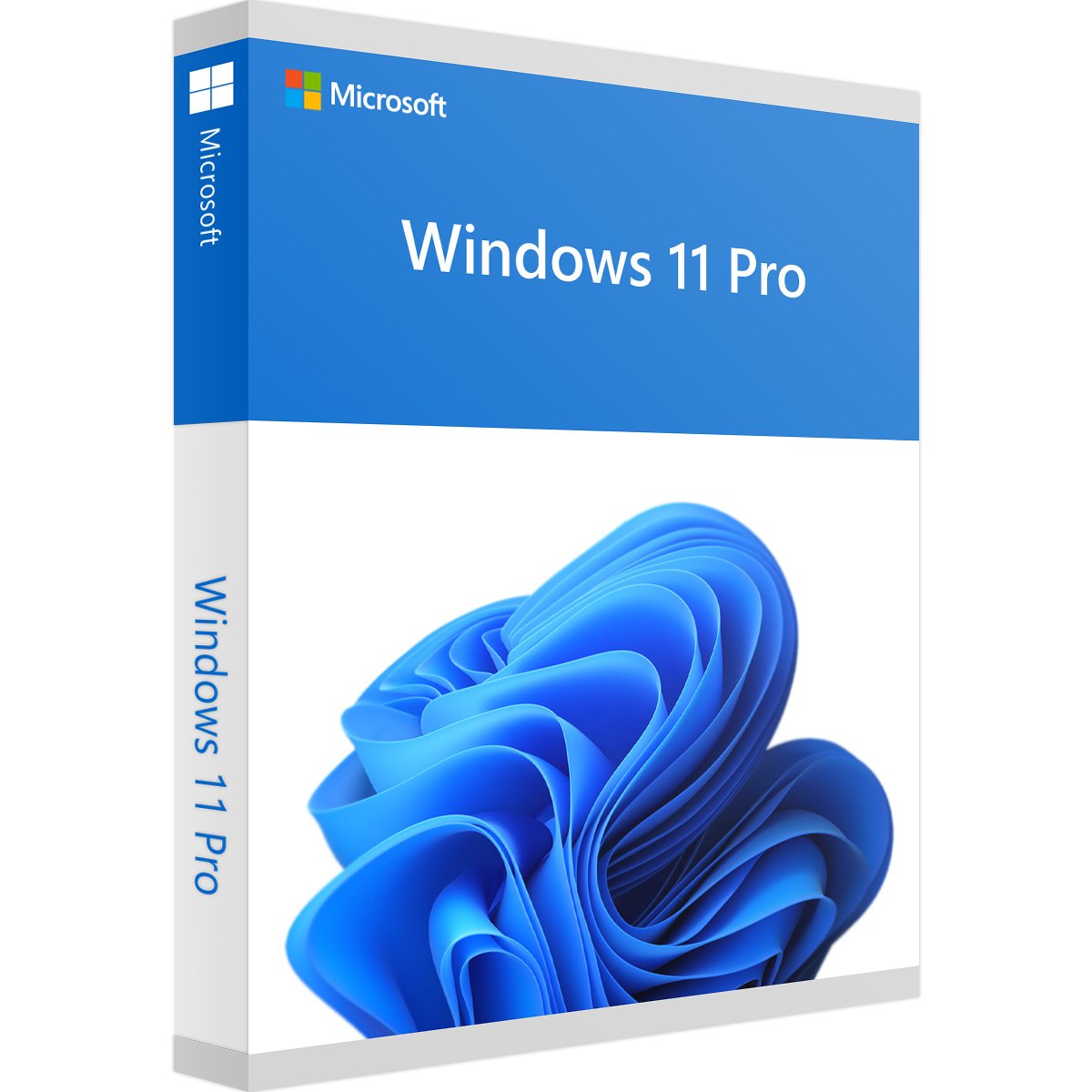 Windows 11 Pro
1 PC · own product key · Download
Two Windows licences for two PCs: Windows 11 Pro for a current PC and Windows 10 Pro for a PC that can't run Windows 11. One order gets both computers onto Windows Pro.
Windows 11 Pro offers tools for security, device management and virtualisation.
Windows 10 Pro also runs on older hardware that doesn't meet the requirements of Windows 11.
Microsoft ended support for Windows 10 on 14 October 2025. Windows 10 still runs, but no longer receives regular security updates.
You will receive an email with both product keys and the download links. Both are also available in your customer account. Enter the product key in the Windows Settings under Activation using “Change product key”.
Install Windows 11 Pro and Windows 10 Pro on two different PCs. Among other things, Windows 11 Pro needs TPM 2.0, UEFI with Secure Boot and 4 GB of RAM, plus an internet connection and a Microsoft account for setup. If a PC doesn't meet the hardware requirements, it is the right one for Windows 10 Pro. You can find all the details under “System requirements”.
Our support team will help you with installation and activation by email and phone, Mon–Fri 10:00–19:00 German time. Our money-back guarantee for activation problems also applies. You are buying from a retailer certified by Trusted Shops.
10 questions with answers about this product.
Go to the answers€19.99
Download within minutes
Windows 10 Pro
1 PC · own product key · Download
Windows 11 Pro
1 PC · own product key · Download


Shop securely with SSL encryption.

Download straight after purchase.

Install and activate the software in seconds.
Two Windows licences for two PCs: Windows 11 Pro for a current PC and Windows 10 Pro for a PC that can't run Windows 11. One order gets both computers onto Windows Pro.
Windows 11 Pro offers tools for security, device management and virtualisation.
Windows 10 Pro also runs on older hardware that doesn't meet the requirements of Windows 11.
Microsoft ended support for Windows 10 on 14 October 2025. Windows 10 still runs, but no longer receives regular security updates.
You will receive an email with both product keys and the download links. Both are also available in your customer account. Enter the product key in the Windows Settings under Activation using “Change product key”.
Install Windows 11 Pro and Windows 10 Pro on two different PCs. Among other things, Windows 11 Pro needs TPM 2.0, UEFI with Secure Boot and 4 GB of RAM, plus an internet connection and a Microsoft account for setup. If a PC doesn't meet the hardware requirements, it is the right one for Windows 10 Pro. You can find all the details under “System requirements”.
Our support team will help you with installation and activation by email and phone, Mon–Fri 10:00–19:00 German time. Our money-back guarantee for activation problems also applies. You are buying from a retailer certified by Trusted Shops.
| Delivery method: | Instant download |
|---|---|
| Edition: | Pro |
| Language: | All languages |
| Licence term: | Perpetual licence (unlimited) |
| Licence type: | One-time purchase |
| Licence unit: | PC |
| Number of licences: | 1 |
| Operating system: | Windows |
| Version: | 10, 11 |
Only signed-in customers can write a review.
165 - 10 of 2396 reviews
11 October 2021 00:00
Sehr GUT immer wieder
Review of: Windows 10 Pro
Sehr GUT immer wieder
10 October 2021 00:00
Prima
Review of: Windows 10 Pro
Prima
10 October 2021 00:00
Der erste Code den ich bekommen habe war Gehlerhaft und schon Aktiviert von jemand anderen. Musst...
Review of: Windows 10 Pro
Der erste Code den ich bekommen habe war Gehlerhaft und schon Aktiviert von jemand anderen. Musste die Hotline Kontaktieren und habe sofort einen neuen bekommen der Funktioniert hat. Halt alles geklappt.
10 October 2021 00:00
alles super
Review of: Windows 10 Pro
alles super
9 October 2021 00:00
alle hat geklappt
Review of: Windows 10 Pro
alle hat geklappt
8 October 2021 00:00
Das Betriebssystem konnte nicht installiert werden
Review of: Windows 10 Pro
Das Betriebssystem konnte nicht installiert werden
8 October 2021 00:00
Bin mehr als zufrieden ,einfach SUPER, Danke
Review of: Windows 10 Pro
Bin mehr als zufrieden ,einfach
SUPER, Danke
8 October 2021 00:00
sehr gute und zügige Abwicklung.
Review of: Windows 10 Pro
sehr gute und zügige Abwicklung. Jederzeit wieder Danke
7 October 2021 00:00
paßt alles
Review of: Windows 10 Pro
paßt alles
7 October 2021 00:00
Gerne wieder
Review of: Windows 10 Pro
Gerne wieder
Two Windows licences for two PCs: Windows 10 Pro for one PC and Windows 11 Pro for a second one. Both are perpetual licences.
No. The bundle is for two PCs, and each licence is valid for one PC.
It is for a PC that can't run Windows 11, for example because it has no TPM 2.0 or Secure Boot. Windows 10 Pro also runs on older hardware.
Yes. You can still install, activate and use Windows 10 Pro. Microsoft ended regular support on 14 October 2025. Since then, security updates have only been available through Microsoft's Extended Security Updates (ESU) programme.
Each Windows version has its own product key: one for Windows 10 Pro and one for Windows 11 Pro. You will receive both in one email and can also find them in your customer account.
By email within minutes of online payment. Download links and product keys are also available in your customer account. You can find all payment methods and delivery times under Delivery and payment.
Enter the product key in the Windows Settings under Activation using “Change product key”. In Windows 11, you will find Activation under Settings > System > Activation. In Windows 10, it is under Settings > Update & Security > Activation.
No. Both licences are perpetual licences: you pay once, with no subscription.
Yes. If you reinstall on the same PC, use the same product key.
Our support team will help you by email and phone, Mon–Fri 10:00–19:00 German time. Our money-back guarantee for activation problems also applies.