










Buyer protection
Shop with confidence thanks to a transparent ordering process and reliable support.
Will Windows 11 run on your PC? Check in a minute, without a download.
For Windows only. Using a Mac? See software for Mac

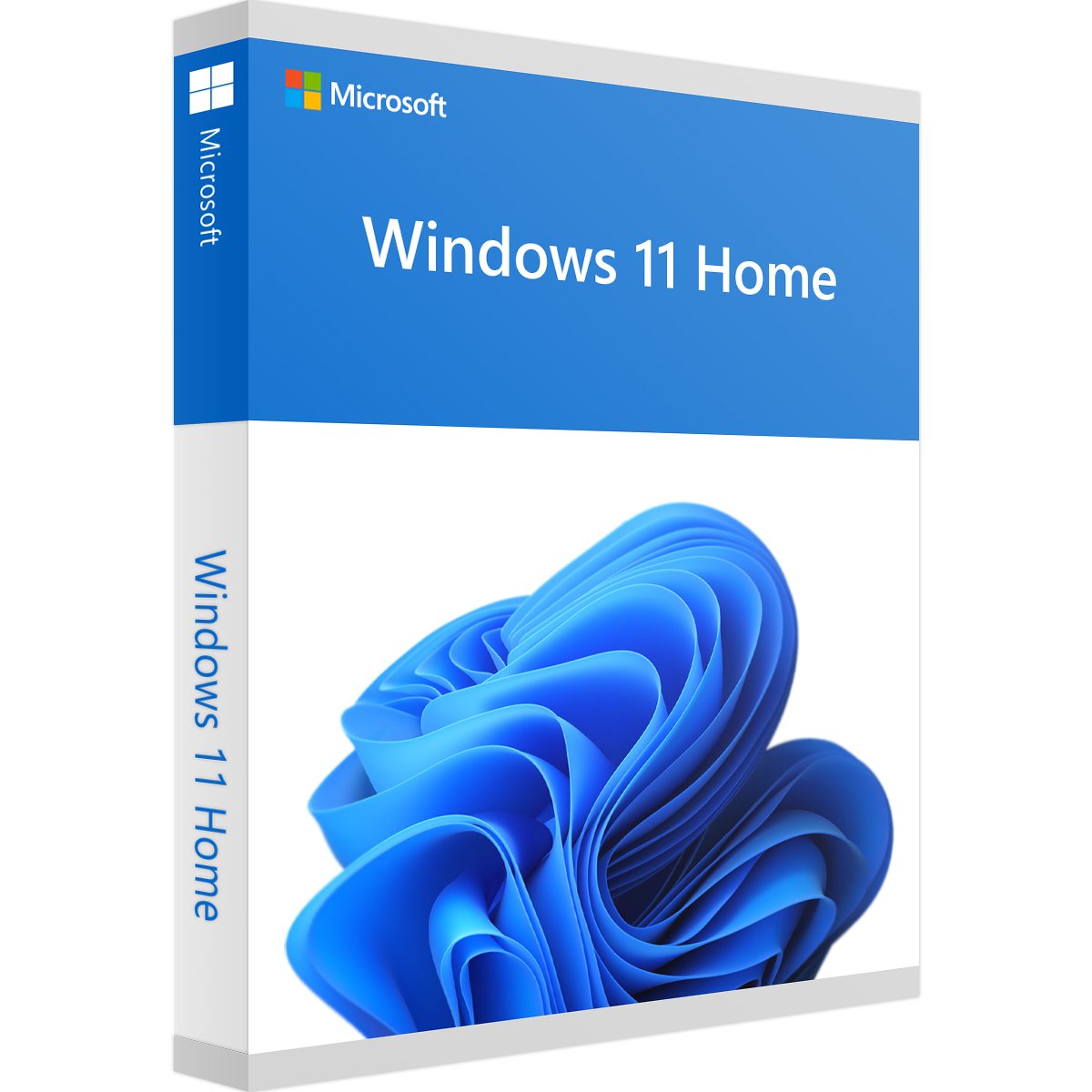 Windows 11 Home
1 PC · own product key · Download
 Office 2021 Standard
1 PC · own product key · Download
Set up your PC in a single order: Windows 11 Home as the operating system, plus Office 2021 Standard with Word, Excel, PowerPoint, Outlook, Publisher and OneNote.
Windows 11 Home brings security, productivity and personalisation features for everyday digital life. Our article What's new in Windows 11? gives an overview.
Design letters, reports and CVs, with layout tools, dark mode, PDF creation and touch and pen input.
Spreadsheets and calculations with XLOOKUP, dynamic arrays, new chart options and faster calculations, for example for finance, bookkeeping and project planning.
Presentations with new transitions and animations, better video integration and more export options.
Manage email and calendars, with a modernised interface, faster search and sync via your Microsoft account or Exchange.
Flyers, brochures and newsletters with print-optimised templates, for businesses, clubs and marketing.
Collect ideas, notes and tasks in a digital notebook.
After you pay online, you receive an email within minutes with two product keys and two download links. Both are also in your customer account.
Set up Windows first, then install Office.
If another version of Office is already installed on the PC, such as a preinstalled Microsoft 365, please uninstall it first.
Windows 11 needs, among other things, TPM 2.0, Secure Boot and a compatible 64-bit processor, plus an internet connection and a Microsoft account for setup. All values are listed in the “System requirements” tab.
Windows 11 Home is the current version of Windows. Microsoft ended support for Office 2021 in October 2026. Office 2021 keeps working but no longer receives security updates.
Our support team helps you with installation and activation by email and phone, Mon–Fri 10:00–19:00 German time, in English and German. Our money-back guarantee for activation problems also applies. You are buying from a retailer certified by Trusted Shops.
10 questions with answers about this product.
Go to the answers


€28.99
Download within minutes
Windows 11 Home
1 PC · own product key · Download
Office 2021 Standard
1 PC · own product key · Download


Shop securely with SSL encryption.

Download straight after purchase.

Install and activate the software in seconds.
Set up your PC in a single order: Windows 11 Home as the operating system, plus Office 2021 Standard with Word, Excel, PowerPoint, Outlook, Publisher and OneNote.
Windows 11 Home brings security, productivity and personalisation features for everyday digital life. Our article What's new in Windows 11? gives an overview.
Design letters, reports and CVs, with layout tools, dark mode, PDF creation and touch and pen input.
Spreadsheets and calculations with XLOOKUP, dynamic arrays, new chart options and faster calculations, for example for finance, bookkeeping and project planning.
Presentations with new transitions and animations, better video integration and more export options.
Manage email and calendars, with a modernised interface, faster search and sync via your Microsoft account or Exchange.
Flyers, brochures and newsletters with print-optimised templates, for businesses, clubs and marketing.
Collect ideas, notes and tasks in a digital notebook.
After you pay online, you receive an email within minutes with two product keys and two download links. Both are also in your customer account.
Set up Windows first, then install Office.
If another version of Office is already installed on the PC, such as a preinstalled Microsoft 365, please uninstall it first.
Windows 11 needs, among other things, TPM 2.0, Secure Boot and a compatible 64-bit processor, plus an internet connection and a Microsoft account for setup. All values are listed in the “System requirements” tab.
Windows 11 Home is the current version of Windows. Microsoft ended support for Office 2021 in October 2026. Office 2021 keeps working but no longer receives security updates.
Our support team helps you with installation and activation by email and phone, Mon–Fri 10:00–19:00 German time, in English and German. Our money-back guarantee for activation problems also applies. You are buying from a retailer certified by Trusted Shops.
| Applications: | Excel, OneNote, Outlook, PowerPoint, Publisher, Word |
|---|---|
| Delivery method: | Instant download |
| Edition: | Home |
| Language: | All languages |
| Licence term: | Perpetual licence (unlimited) |
| Licence type: | One-time purchase |
| Licence unit: | PC |
| Number of licences: | 1 |
| Operating system: | Windows |
| Version: | 11 |
| Year: | 2021 |
Both programs run on the same PC. Your PC must meet the higher requirement for each specification, with enough storage for both programs combined.
Only signed-in customers can write a review.
34 - 10 of 682 reviews
22 July 2024 00:00
Einwandfrei
Review of: Office 2021 Standard
Bezahlt, heruntergeladen: läuft !
20 July 2024 00:00
Alles bestens
Review of: Windows 11 Home
Hat alles zur vollen Zufriedenheit geklappt.
Von der Bestellung bis zur Lieferung alles in 5 min erledigt und Software konnte installiert werden. Gerne wieder.
17 July 2024 00:00
Ok
Review of: Office 2021 Standard
Ok
12 July 2024 00:00
bestellt
Review of: Office 2021 Standard
bestellt, bezahlt, gekommen
11 July 2024 00:00
zuverlässig , schnell, problemlos
Review of: Office 2021 Standard
Download funktioniert zuverlässig, Produktschlüssel steht sofort zur Verfügung, Backup wird schnell versendet, alles bestens
9 July 2024 00:00
Es geht immer sehr schnell und die…
Review of: Windows 11 Home
Es geht immer sehr schnell und die Mitarbeiter sind sehr freundlich !
9 July 2024 00:00
Es gibt nichts zu meckern
Review of: Office 2021 Standard
Es gibt nichts zu meckern. Hat alles wunderbar geklappt.
7 July 2024 00:00
Schnell und unkompliziert!
Review of: Windows 11 Home
Schnell und unkompliziert!
6 July 2024 00:00
Gerne wieder
Review of: Office 2021 Standard
Gerne wieder
2 July 2024 00:00
Schnell
Review of: Office 2021 Standard
Schnelle und einfache Bestellung. Guter Service.
Order: set up and activate Windows 11 Home first, then install Office 2021 Standard.
Existing Office: if another version of Office is already installed on the PC, such as a pre-installed copy of Microsoft 365, please uninstall it first. Microsoft does not allow two versions of Office with the same programs on one PC. Keep the installation file and product key of your previous version of Office in case you need it again later.
Windows 11: your PC needs TPM 2.0, Secure Boot and a compatible 64-bit processor. Setup requires an internet connection and a Microsoft account.
Windows 11 Home and Office 2021 Standard with Word, Excel, PowerPoint, Outlook, Publisher and OneNote, as perpetual licences for one PC. You receive two product keys and two download links.
Each program has its own product key: one for Windows 11 Home and one for Office 2021 Standard. Each product key activates only its own program.
Yes, that is what the bundle is for. Set up Windows first, then install Office. If another version of Office is already installed on the PC, such as a pre-installed copy of Microsoft 365, please uninstall it first.
Within minutes of online payment. Both product keys and both download links arrive together in one email and are available in your customer account.
Windows: open Settings > System > Activation, select “Change product key”, enter the Windows product key and click “Next”. Office: download the installer using the link, run the setup and enter the Office product key to activate.
Windows 11 requires a compatible 64-bit processor with at least 2 cores and 1 GHz, 4 GB of RAM, 64 GB of storage, UEFI with Secure Boot and TPM 2.0. You can find all the details in the “System requirements” tab.
Yes. To set up Windows 11 Home, you need an internet connection and a Microsoft account.
No. You pay once and use Windows 11 Home and Office 2021 Standard permanently, with no subscription. If you reinstall Windows on the same PC later, use the same Windows product key.
Microsoft ended support for Office 2021 in October 2026. Office 2021 keeps working but no longer receives security updates.
Report the problem using our form or by email and phone, Mon–Fri 10:00–19:00 German time. Our support team will help with activation, and our money-back guarantee for activation problems also applies.