










Buyer protection
Shop with confidence thanks to a transparent ordering process and reliable support.

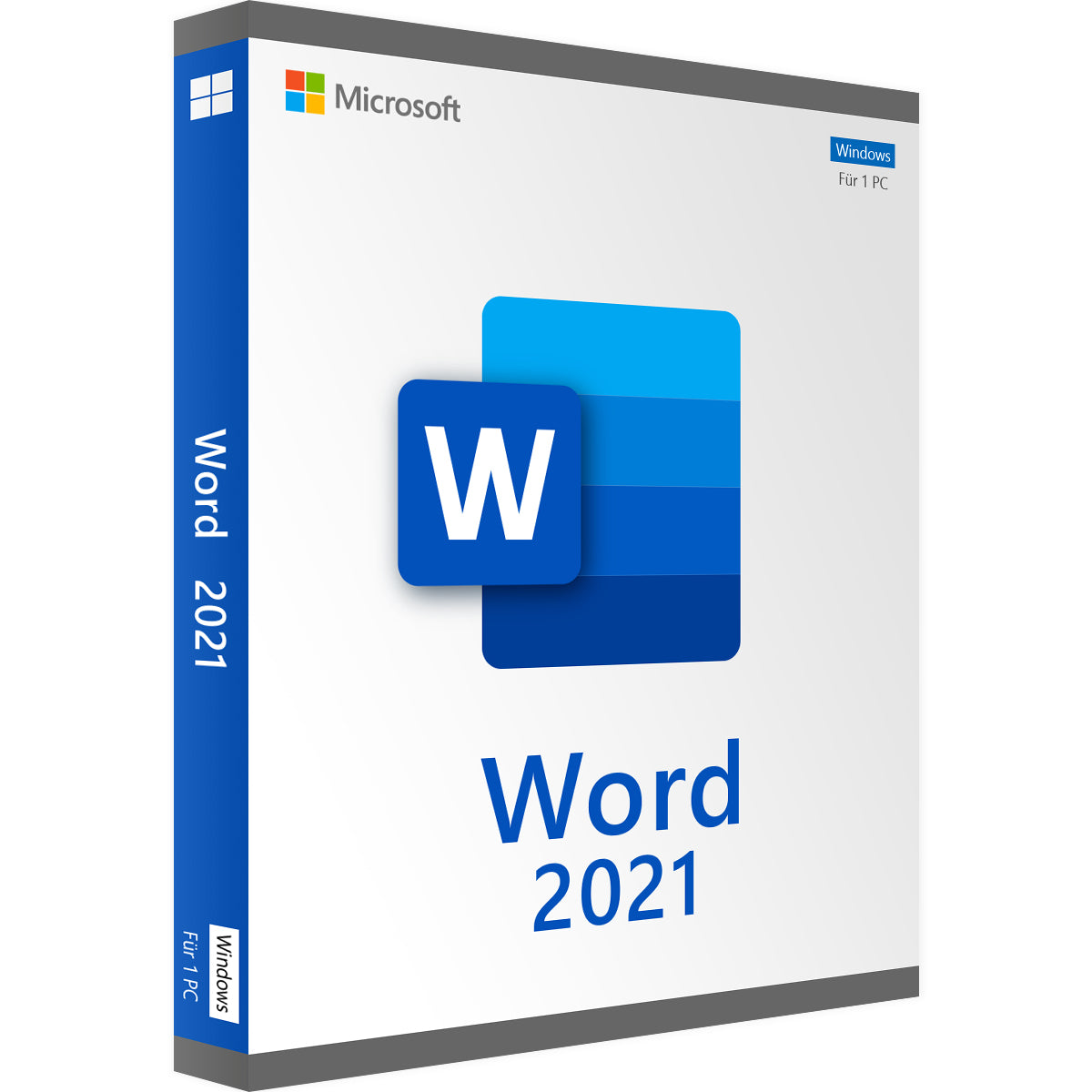
Buy Microsoft Word 2021 to create, edit and format documents on a Windows PC. Design appealing content with professional templates, smart assistance and more features.
Before you download Word 2021, check what this product includes:
Product: Microsoft Word 2021 as a standalone application
Platform: Windows
Device: One compatible PC
Licence: One-time purchase with no ongoing subscription
Delivery: Digital download and product key; delivery on a USB stick can also be selected on the product page
Activation: online with the product key; internet connection required
Languages: Several languages available
Support: Help with download, installation and activation from Vollversion-Software
End of support: ended in October 2026. Word 2021 keeps working but no longer receives security updates.
Note: This product includes Word 2021 only. Excel, PowerPoint and other Office applications are not included.
With your Microsoft Word 2021 licence key you get practical tools for writing, formatting and reviewing documents:
Co-authoring: Edit a shared document with other people and see changes promptly, if it is saved in a supported cloud location.
Modern comments: Link feedback and questions to the relevant passages of text.
Dark mode: Switch the document page to a dark display for more comfortable reading.
Line Focus: Limit the view to one, three or five lines while reading.
Revised drawing tools: Annotate and mark up documents with the point eraser, ruler and lasso.
Stock images and icons: Add visual elements to documents from the included collection of creative content.
Microsoft Search: Find text, commands and help using the search box in Word.
OpenDocument 1.3 support: Open and edit supported ODF files.
Install Word 2021 on your PC to prepare documents for everyday tasks:
Write reports, quotes, letters and meeting notes.
Format longer documents consistently with styles, headings and page layouts.
Create CVs, cover letters, invitations and personal correspondence.
Add tables, images and icons to present information clearly.
Structure essays and coursework with headings and tables of contents.
Review feedback in comments and revise your texts before you hand them in.
The Word 2021 licence for Windows suits people who need a standalone word-processing application for a PC and prefer to pay once.
Write client correspondence and structured reports.
Share documents for review and manage feedback with comments.
Write coursework, applications and longer academic texts.
Use Line Focus and dark mode when reading and revising.
Write letters, personal documents and documents for events.
Use the version you bought with no monthly subscription fee.
Install and activate Word 2021 on one compatible Windows PC.
Edit locally saved documents after activation without a permanent internet connection.
If you buy Microsoft Word 2021 from Vollversion-Software and choose instant download, you receive an email with the download link and product key. Download Word using the link, install it on your Windows PC and then activate it with the product key.
Buy your Microsoft Word 2021 product key from Vollversion-Software and get:
✓ Word 2021 as a standalone application for one Windows PC
✓ One-time licence with no ongoing subscription
✓ Product key and download link by email if you choose instant download
✓ Delivery on a USB stick as an alternative to the download
✓ Clear installation guide to get you started
✓ Help with installation and activation if you need support
Buy a Microsoft Word 2021 licence if the features of the 2021 version meet your needs. Please note the end of support mentioned above before you order.
Related: Microsoft Office · Microsoft Word
5 questions with answers about this product.
Go to the answers
For Windows only. Using a Mac? See software for Mac
Prices compared
Comparison price: the price of another dealer on 28/10/2026.
Prices of other shops for the same edition, fetched on 21/10/2026 at 20:50.
You save 78 %€16.99
Download within minutes

Shop securely with SSL encryption.

Download straight after purchase.

Install and activate the software in seconds.
Buy Microsoft Word 2021 to create, edit and format documents on a Windows PC. Design appealing content with professional templates, smart assistance and more features.
Before you download Word 2021, check what this product includes:
Product: Microsoft Word 2021 as a standalone application
Platform: Windows
Device: One compatible PC
Licence: One-time purchase with no ongoing subscription
Delivery: Digital download and product key; delivery on a USB stick can also be selected on the product page
Activation: online with the product key; internet connection required
Languages: Several languages available
Support: Help with download, installation and activation from Vollversion-Software
End of support: ended in October 2026. Word 2021 keeps working but no longer receives security updates.
Note: This product includes Word 2021 only. Excel, PowerPoint and other Office applications are not included.
With your Microsoft Word 2021 licence key you get practical tools for writing, formatting and reviewing documents:
Co-authoring: Edit a shared document with other people and see changes promptly, if it is saved in a supported cloud location.
Modern comments: Link feedback and questions to the relevant passages of text.
Dark mode: Switch the document page to a dark display for more comfortable reading.
Line Focus: Limit the view to one, three or five lines while reading.
Revised drawing tools: Annotate and mark up documents with the point eraser, ruler and lasso.
Stock images and icons: Add visual elements to documents from the included collection of creative content.
Microsoft Search: Find text, commands and help using the search box in Word.
OpenDocument 1.3 support: Open and edit supported ODF files.
Install Word 2021 on your PC to prepare documents for everyday tasks:
Write reports, quotes, letters and meeting notes.
Format longer documents consistently with styles, headings and page layouts.
Create CVs, cover letters, invitations and personal correspondence.
Add tables, images and icons to present information clearly.
Structure essays and coursework with headings and tables of contents.
Review feedback in comments and revise your texts before you hand them in.
The Word 2021 licence for Windows suits people who need a standalone word-processing application for a PC and prefer to pay once.
Write client correspondence and structured reports.
Share documents for review and manage feedback with comments.
Write coursework, applications and longer academic texts.
Use Line Focus and dark mode when reading and revising.
Write letters, personal documents and documents for events.
Use the version you bought with no monthly subscription fee.
Install and activate Word 2021 on one compatible Windows PC.
Edit locally saved documents after activation without a permanent internet connection.
If you buy Microsoft Word 2021 from Vollversion-Software and choose instant download, you receive an email with the download link and product key. Download Word using the link, install it on your Windows PC and then activate it with the product key.
Buy your Microsoft Word 2021 product key from Vollversion-Software and get:
✓ Word 2021 as a standalone application for one Windows PC
✓ One-time licence with no ongoing subscription
✓ Product key and download link by email if you choose instant download
✓ Delivery on a USB stick as an alternative to the download
✓ Clear installation guide to get you started
✓ Help with installation and activation if you need support
Buy a Microsoft Word 2021 licence if the features of the 2021 version meet your needs. Please note the end of support mentioned above before you order.
Related: Microsoft Office · Microsoft Word
| Applications: | Word |
|---|---|
| Language: | All languages |
| Licence term: | Perpetual licence (unlimited) |
| Licence unit: | PC |
| Number of licences: | 1 |
| Operating system: | Windows |
| Year: | 2021 |
|
System requirements - Microsoft Office 2021 Word |
|
|
Processor |
1.1 GHz or faster, 2 cores |
|
Operating systems |
Windows 10, Windows 11 |
|
Memory |
at least 4 GB RAM |
|
Hard disk space |
at least 4 GB of available storage space |
|
Display |
at least 1280 × 768 pixels |
|
.NET version |
.NET version 3.5 or higher |
Only signed-in customers can write a review.
5 - 10 of 112 reviews
4 August 2025 00:00
Einfach nur super!!!
Sehr schnelle und reibungslose Abwicklung. Problemloser Download und auch Installation. Super!!!
1 August 2025 00:00
Die Aktivierung mittels Lizenzschlüssel…
Die Aktivierung mittels Lizenzschlüssel verlief einwandfrei
14 July 2025 00:00
Aufgrund vom Totalausfall von Word 2002…
Aufgrund vom Totalausfall von Word 2002 am 1. Juni 2025, konnte eine Bearbeitung von (vorhandenen) Unterlagen nicht mehr erfolgen. Daher wurde ein Word 2010 für einen Obulus geordert. Aufgrund fehlendendem Key wurde diese Software reklamiert. Nach Prüfung und aus der Not heraus, wurde jetzt die Software Word 2021 geordert. Bezahlung, Download + Aktivierung erfolgten problemlos. Natürlich ist es eine Umstellung von alt auf neu - aber, es kann wieder aller Schriftkram erledigt werden. Danke.
30 May 2025 00:00
Unkomplizierte Abwicklung und leichte…
Unkomplizierte Abwicklung und leichte Installation
Danke
17 May 2025 00:00
alles i.O.
alles i.O.
15 May 2025 00:00
Super Sehr schnelle Antwort und sehr gute…
Sehr schnelle Antwort und sehr gute Beratung. Und auch sehr zuverlässig und freundlich.
7 April 2025 00:00
Schnell Sicher
Schnell Sicher, sehr schön....
31 March 2025 00:00
Was ich bisher gesehen habe ist gut.
Was ich bisher gesehen habe ist gut.
27 March 2025 00:00
Alles bestens!!
Alles lief bestens. Innerhalb weniger Minuten war alles erledigt.
26 March 2025 00:00
Super
Alles sehr gut
It offers a modernised interface, better collaboration tools, extended design options, higher performance and seamless integration with OneDrive and other Microsoft Office apps.
Yes. Once it is installed, it works completely offline. An internet connection is only needed for updates, licence activation or when sharing and co-editing documents.
Yes. Word 2021 is part of the Office 2021 suite, along with Excel, PowerPoint, Outlook and other applications.
You can find the current Word price at Vollversion-Software.
It requires Windows 11 or 10, at least 4 GB of RAM and 4 GB of free storage space.


