Buyer protection
Shop with confidence thanks to a transparent ordering process and reliable support.

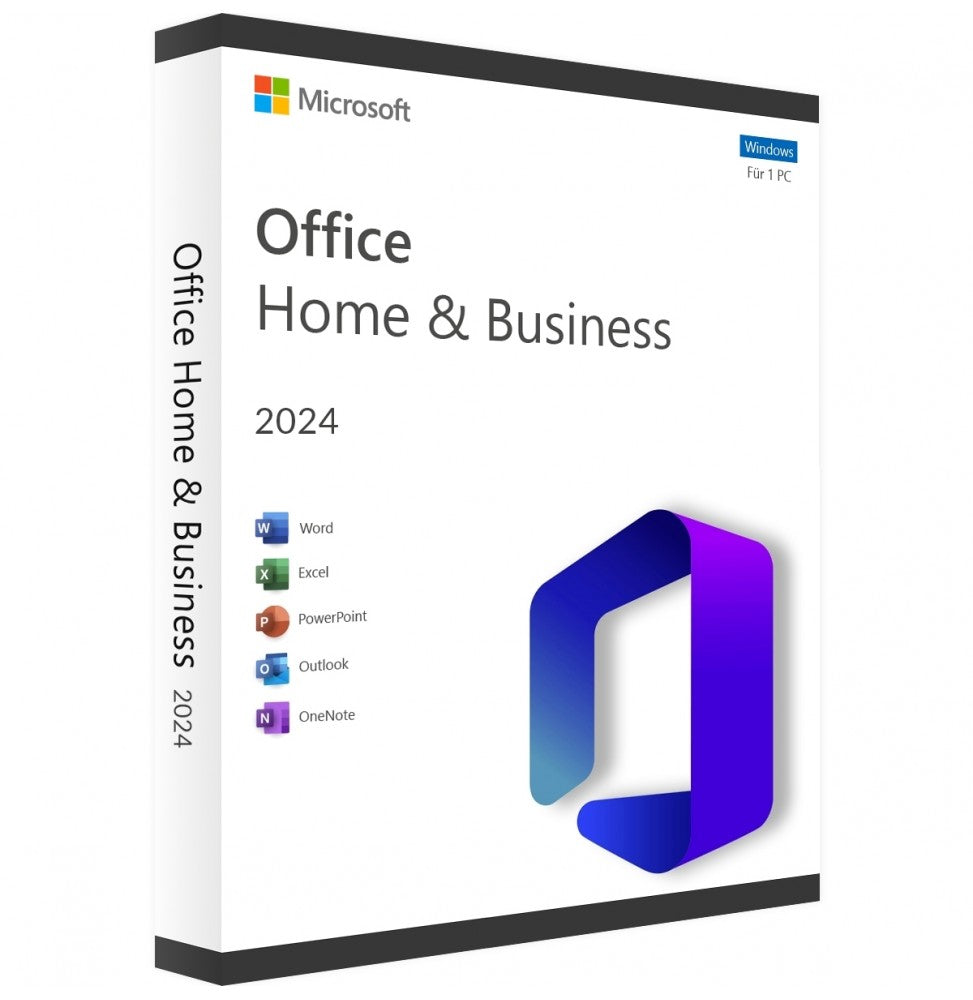
Buy Microsoft Word 2024 to create, edit and format documents on a Windows PC. Templates, improved document recovery and easier comment management support you in your daily work.
Before you download Word 2024, here are the key product details:
Product: Microsoft Word 2024 as a standalone application
Platform: Windows
Device: One compatible PC
Licence: One-time purchase with no ongoing subscription
Delivery: Download link and product key by email with Instant download
Activation: With the product key and an internet connection; you do not need a Microsoft account
Languages: Several languages available
Support: Help with download, installation and activation
Note: This licence covers Word 2024 as a standalone application. Other Office applications and a Microsoft 365 subscription are not included.
With your Microsoft Word 2024 licence, you get practical features for creating and editing documents:
Session recovery: Reopen your documents if Word closes unexpectedly.
Modern comments: Give feedback directly in the document and follow discussions in one place.
Viewing, reviewing and editing modes: Switch between the different modes depending on the task.
Delete resolved comments: Delete all comments marked as resolved in one step.
OpenDocument 1.4 support: Open and edit supported files in OpenDocument format.
Updated user interface: Work with the refreshed design and new colour palette of Word 2024.
Accessibility Checker: Spot issues that can make documents harder to read or navigate.
When you install Word 2024 on your PC, you can prepare documents for many purposes:
Create quotes, reports, meeting notes and letters with a consistent layout.
Add tables, images, headers and page numbers.
Write CVs, cover letters and personal letters with suitable styles.
Review and revise your texts before sending them.
Structure longer pieces of work with headings and tables of contents.
Gather feedback through comments and apply changes.
The Word 2024 licence for Windows suits anyone who needs a familiar desktop application for writing and editing text on a PC.
Write and format reports, client letters and project documents.
Revise texts using comments and Track Changes.
Create assignments, essays and job application documents.
Structure longer documents with headings and tables of contents.
Design letters, invitations and personal documents.
Use the version you bought without a monthly subscription fee.
Install and activate Word 2024 on a compatible Windows PC.
Edit local documents after activation without a permanent internet connection.
When you buy Microsoft Word 2024 with the “Instant download” option, you receive the download link, the product key and installation instructions by email. Download Word to your Windows PC, install the application, then enter the product key to activate it.
When you buy your Microsoft Word 2024 product key from Vollversion-Software, you get:
✓ Word 2024 as a standalone application for one Windows PC
✓ A one-time licence with no ongoing subscription
✓ Product key and download link by email when you choose Instant download
✓ Easy-to-follow installation instructions to get you started
✓ Help with installation and activation if you need support
Buy a Microsoft Word 2024 licence and create and edit your documents with the desktop version of Word 2024.
Note: The licence for the purchased version does not expire after a year. Security updates are only available during the product's support period. Future major versions are not included automatically.
See also: Microsoft Office · Operating systems
5 questions with answers about this product.
Go to the answers
For Windows only. Using a Mac? See software for Mac
Prices compared
Comparison price: the price of another dealer on 28/10/2026.
Prices of other shops for the same edition, fetched on 21/10/2026 at 20:50.
You save 79 %€20.99
Download within minutes


Shop securely with SSL encryption.

Download straight after purchase.

Install and activate the software in seconds.
Buy Microsoft Word 2024 to create, edit and format documents on a Windows PC. Templates, improved document recovery and easier comment management support you in your daily work.
Before you download Word 2024, here are the key product details:
Product: Microsoft Word 2024 as a standalone application
Platform: Windows
Device: One compatible PC
Licence: One-time purchase with no ongoing subscription
Delivery: Download link and product key by email with Instant download
Activation: With the product key and an internet connection; you do not need a Microsoft account
Languages: Several languages available
Support: Help with download, installation and activation
Note: This licence covers Word 2024 as a standalone application. Other Office applications and a Microsoft 365 subscription are not included.
With your Microsoft Word 2024 licence, you get practical features for creating and editing documents:
Session recovery: Reopen your documents if Word closes unexpectedly.
Modern comments: Give feedback directly in the document and follow discussions in one place.
Viewing, reviewing and editing modes: Switch between the different modes depending on the task.
Delete resolved comments: Delete all comments marked as resolved in one step.
OpenDocument 1.4 support: Open and edit supported files in OpenDocument format.
Updated user interface: Work with the refreshed design and new colour palette of Word 2024.
Accessibility Checker: Spot issues that can make documents harder to read or navigate.
When you install Word 2024 on your PC, you can prepare documents for many purposes:
Create quotes, reports, meeting notes and letters with a consistent layout.
Add tables, images, headers and page numbers.
Write CVs, cover letters and personal letters with suitable styles.
Review and revise your texts before sending them.
Structure longer pieces of work with headings and tables of contents.
Gather feedback through comments and apply changes.
The Word 2024 licence for Windows suits anyone who needs a familiar desktop application for writing and editing text on a PC.
Write and format reports, client letters and project documents.
Revise texts using comments and Track Changes.
Create assignments, essays and job application documents.
Structure longer documents with headings and tables of contents.
Design letters, invitations and personal documents.
Use the version you bought without a monthly subscription fee.
Install and activate Word 2024 on a compatible Windows PC.
Edit local documents after activation without a permanent internet connection.
When you buy Microsoft Word 2024 with the “Instant download” option, you receive the download link, the product key and installation instructions by email. Download Word to your Windows PC, install the application, then enter the product key to activate it.
When you buy your Microsoft Word 2024 product key from Vollversion-Software, you get:
✓ Word 2024 as a standalone application for one Windows PC
✓ A one-time licence with no ongoing subscription
✓ Product key and download link by email when you choose Instant download
✓ Easy-to-follow installation instructions to get you started
✓ Help with installation and activation if you need support
Buy a Microsoft Word 2024 licence and create and edit your documents with the desktop version of Word 2024.
Note: The licence for the purchased version does not expire after a year. Security updates are only available during the product's support period. Future major versions are not included automatically.
See also: Microsoft Office · Operating systems
| Applications: | Word |
|---|---|
| Delivery method: | Instant download |
| Language: | All languages |
| Licence term: | Perpetual licence (unlimited) |
| Licence type: | One-time purchase |
| Licence unit: | PC |
| Number of licences: | 1 |
| Operating system: | Windows |
| Software features: | Cloud-based, Real-time updates, Technical support |
| User type: | Individual, Large business, Medium-sized/large business, Small business |
| Year: | 2024 |
Make sure your system is ready for the latest generation of word processing:
Only signed-in customers can write a review.
2 - 10 of 16 reviews
9 March 2026 09:15
Bewertung
Word ist für mich sehr ungewöhnlich und sehr vielseitig, da ich bisher das alte Wordprogramm gewohnt war und dieses öfter benutzt habe. Aber wie vieles, alles Gewphnheit!!
10 February 2026 06:43
Bewertung
Mann muss sehr viel umdenken, alles neu gegenüber alte Version., mann
muss lernen neu zu bedienen. Für alte Menschen nicht so gut.
16 January 2026 21:36
Bewertung
Hatte zuerst Probleme bei der Installation, aber jetzt läuft alles super.
3 January 2026 18:58
Bewertung
Optimale, Beratung durch ihren Mitarbeiter Herrn Schmidt.
Hatte mit einem echten wissenden und zuvorkommenden Gesprächspartner gesprochen , der mir sehr geholfen hatte.
Danke!!
18 October 2025 10:20
Bewertung
alles ok
1 September 2025 08:41
Bewertung
Ich bin zufrieden