Buyer protection
Shop with confidence thanks to a transparent ordering process and reliable support.

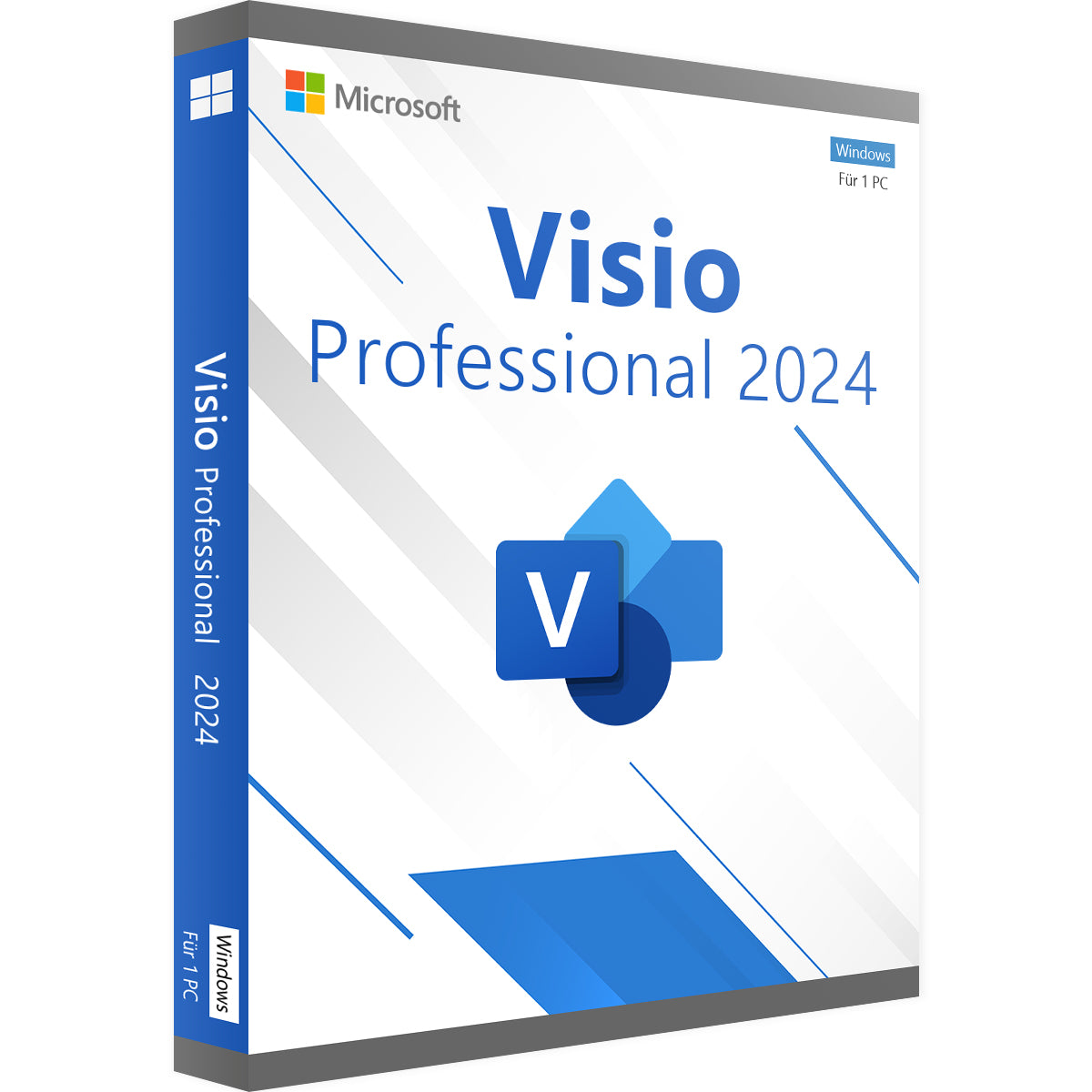
Make complex workflows and technical relationships easy to understand with Microsoft Visio Professional 2024. Create process diagrams, document IT networks and present company structures clearly. The Professional edition offers additional diagram templates and data links for demanding tasks. With a one-time licence, you use the desktop application on a Windows PC with no recurring subscription fees.
Before you download Microsoft Visio Professional 2024, check the key details of the product on offer:
Microsoft Visio Professional 2024 combines versatile drawing tools with features for technical documentation and data-driven diagrams:
Use Microsoft Visio Professional 2024 on your PC to prepare workflows, responsibilities and technical structures for different audiences.
The Microsoft Visio Professional 2024 licence suits users who want to handle more extensive diagramming tasks with a locally installed Windows application.
Once your payment has been received, you get your Microsoft Visio Professional 2024 product key and download link by email. Follow the instructions supplied to download, install and activate the application. If Office is already set up on your PC, check the architecture used and the compatibility of the installations before you install.
Order your Microsoft Visio Professional 2024 licence from Vollversion-Software and receive the application by digital delivery:
✓ Microsoft Visio Professional 2024 product key for the edition on offer
✓ One-time licence for one Windows PC with no recurring subscription fees
✓ Product key and download link delivered digitally by email once payment is received
✓ Help with questions about installation and activation
Buy Microsoft Visio Professional 2024 online and create diagrams that explain processes, technical systems and company structures clearly.
Note: Your Visio Professional 2024 perpetual licence does not expire. Future major versions are not included.
See also: Visio 2024 Standard · Microsoft Visio
5 questions with answers about this product.
Go to the answers€23.99
Download within minutes

Shop securely with SSL encryption.

Download straight after purchase.

Install and activate the software in seconds.
Make complex workflows and technical relationships easy to understand with Microsoft Visio Professional 2024. Create process diagrams, document IT networks and present company structures clearly. The Professional edition offers additional diagram templates and data links for demanding tasks. With a one-time licence, you use the desktop application on a Windows PC with no recurring subscription fees.
Before you download Microsoft Visio Professional 2024, check the key details of the product on offer:
Microsoft Visio Professional 2024 combines versatile drawing tools with features for technical documentation and data-driven diagrams:
Use Microsoft Visio Professional 2024 on your PC to prepare workflows, responsibilities and technical structures for different audiences.
The Microsoft Visio Professional 2024 licence suits users who want to handle more extensive diagramming tasks with a locally installed Windows application.
Once your payment has been received, you get your Microsoft Visio Professional 2024 product key and download link by email. Follow the instructions supplied to download, install and activate the application. If Office is already set up on your PC, check the architecture used and the compatibility of the installations before you install.
Order your Microsoft Visio Professional 2024 licence from Vollversion-Software and receive the application by digital delivery:
✓ Microsoft Visio Professional 2024 product key for the edition on offer
✓ One-time licence for one Windows PC with no recurring subscription fees
✓ Product key and download link delivered digitally by email once payment is received
✓ Help with questions about installation and activation
Buy Microsoft Visio Professional 2024 online and create diagrams that explain processes, technical systems and company structures clearly.
Note: Your Visio Professional 2024 perpetual licence does not expire. Future major versions are not included.
See also: Visio 2024 Standard · Microsoft Visio
| Applications: | Visio |
|---|---|
| Delivery method: | Instant download |
| Edition: | Pro |
| Language: | All languages |
| Licence term: | Perpetual licence (unlimited) |
| Licence type: | One-time purchase |
| Licence unit: | PC |
| Number of licences: | 1 |
| Operating system: | Windows |
| Software features: | Data import/export, Real-time updates, Technical support |
| Support channels: | Email support, Phone support |
| User type: | Large business, Medium-sized/large business, Small business |
| Year: | 2024 |
| Operating system | Windows 10, Windows 11 (recommended) |
| Processor | 1.6 GHz or faster, 2-core processor |
| Memory (RAM) | 4 GB RAM |
| Hard disk space | 4 GB of available hard disk space |
| Graphics | DirectX 9 or later with WDDM 2.0 or higher |
Only signed-in customers can write a review.
1 - 10 of 15 reviews
5 September 2026 11:12
Bewertung
Kauf und Installation hat schnell und problemlos funktioniert.
6 August 2026 21:09
Bewertung
Die Installation der Software erforderte einigen Aufwand, da zunächst einmal alle Office 356 Pakete deinstalliert werden mussten. Danach war die Installation problemlos und die Anwendung hat zufriedenstellend gearbeitet und es war nach entsprechender Freigabe auch möglich, ältere Versionen von Visio zu öffnen. Das Programm selber ist sehr gut. Es ist aber bedauerlich, dass Microsoft diese Software schon seit längerem nicht mehr weiterentwickeln möchte.
5 August 2026 14:10
Bewertung
Alles lief perfekt und vor allem sehr preiswert!
11 May 2026 20:48
Bewertung
Großer Pluspunkt: Bei geringer Einarbeitung sind schnell einfache Zeichnungen angefertigt.
Nachteile: Wie sehr oft von Microsoft durchgeführt, werden wichtige Features versteckt, wie z.B. die Bearbeitung von Formen, um die Punkte zu verschieben etc. Das ist sehr schade.
Copy and Paste ist auch nur bedingt möglich, wenn das Raster oder die Stichdicke unterschiedlich ist.
Fazit: Für vergleichsweise einfache Zeichnungen gut zu verwenden... für alles darüber hinausgehende ein professionelles CAD-Programm verwenden.
Nebenbei: Ich verwende MS Visio Professional auch jeden Tag in der Arbeit... eben für einfache Zeichnungen.
8 April 2026 06:41
Bewertung
passt
2 April 2026 16:02
Bewertung
Habe endlich wieder ein meiner Liebling Programme
29 March 2026 18:23
Bewertung
Ich kenne Visio schon lange und finde es ist ein top Programm. Ich benutze es allerdings überwiegend Platzoptimierungssoftware und Raumplanung.
28 March 2026 20:31
Bewertung
Der Softwarekauf hat eigentlich Problemlos funktioniert. Auch wurde die Kaufsumme wie erwartet rasch abgezogen. Leider habe ich Problem mit der Installation.
23 March 2026 10:26
Bewertung
Perfekt & unkompliziert
18 March 2026 18:54
Bewertung
Abwicklung perfekt, Software super
Choose Visio Professional if you have one or more of these requirements: you want to connect diagrams to live data from sources such as Excel or SQL databases; you need to create diagrams to industry standards such as BPMN 2.0 or UML 2.5; you need to work with AutoCAD files (DWG/DXF) or use advanced team collaboration features.
No, Microsoft Visio is a Windows-only application and is not available for macOS. However, Mac users can access diagrams through the web-based version (as part of a Visio subscription) or run Windows on their Mac using Parallels.
You can connect a wide range of sources, including Microsoft Excel workbooks, Microsoft Access databases, SharePoint lists, Microsoft SQL Server databases, Azure Active Directory directories and other OLEDB or ODBC data sources.
No, Visio Professional makes this process very easy. A wizard guides you through quickly linking your data source to the shapes in your diagram. You can then drag and drop the data onto the shapes.
Yes, Visio is a standalone application that works independently of Microsoft Office. The integration is seamless, however, so you can easily embed your data-driven diagrams in Word, PowerPoint or Teams.